Email Inbox: Project Emails Filed Automatically
Every project can now have its own email address. Activate the email inbox in the project's Documents, and InLoox files every email sent to that address in the project, ready at hand for the whole team.
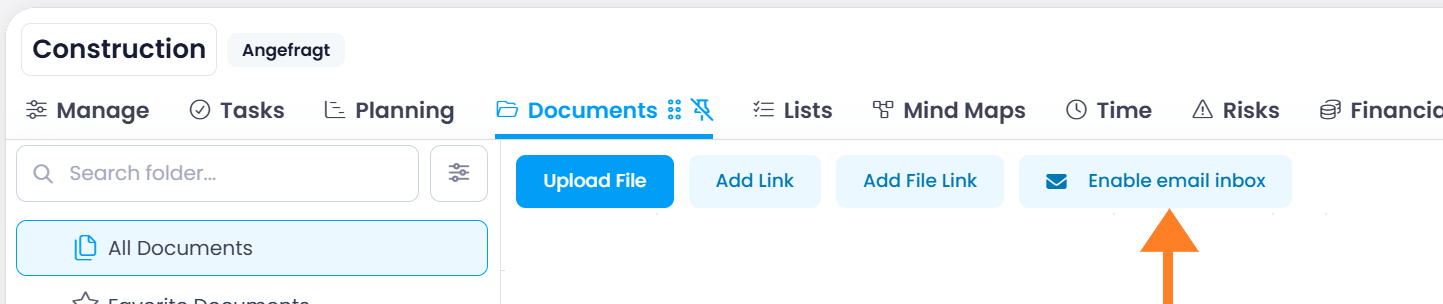
- Everything in one place: Incoming emails land in the Emails folder of the project, attachments included.
- Simply put it in CC: Use the address as a recipient, in CC, or as a forwarding address, for example for customers, suppliers, or automated messages.
- From any sender: Emails reach the project from any sender, no add-in required.
note
The email inbox is available in InLoox Enterprise and InLoox Enterprise Plus. Activating it requires the Enable email inbox for projects permission.
Help article: Emails in Documents