Self-Hosted: Status Page for Services
When notifications stop arriving or a background job does not run, the first question is whether all InLoox services are up. Administrators of InLoox Self-Hosted now find the answer on the new Server status page in the Account Settings, without having to log on to the server.
- Service health: All relevant Windows services and web applications are listed with the version they report and their last heartbeat — Running, No recent heartbeat, or Never reported.
- Email sending: A separate card shows whether email sending is working or failing.
- Recent log entries: The latest messages of all services, with errors highlighted in red.
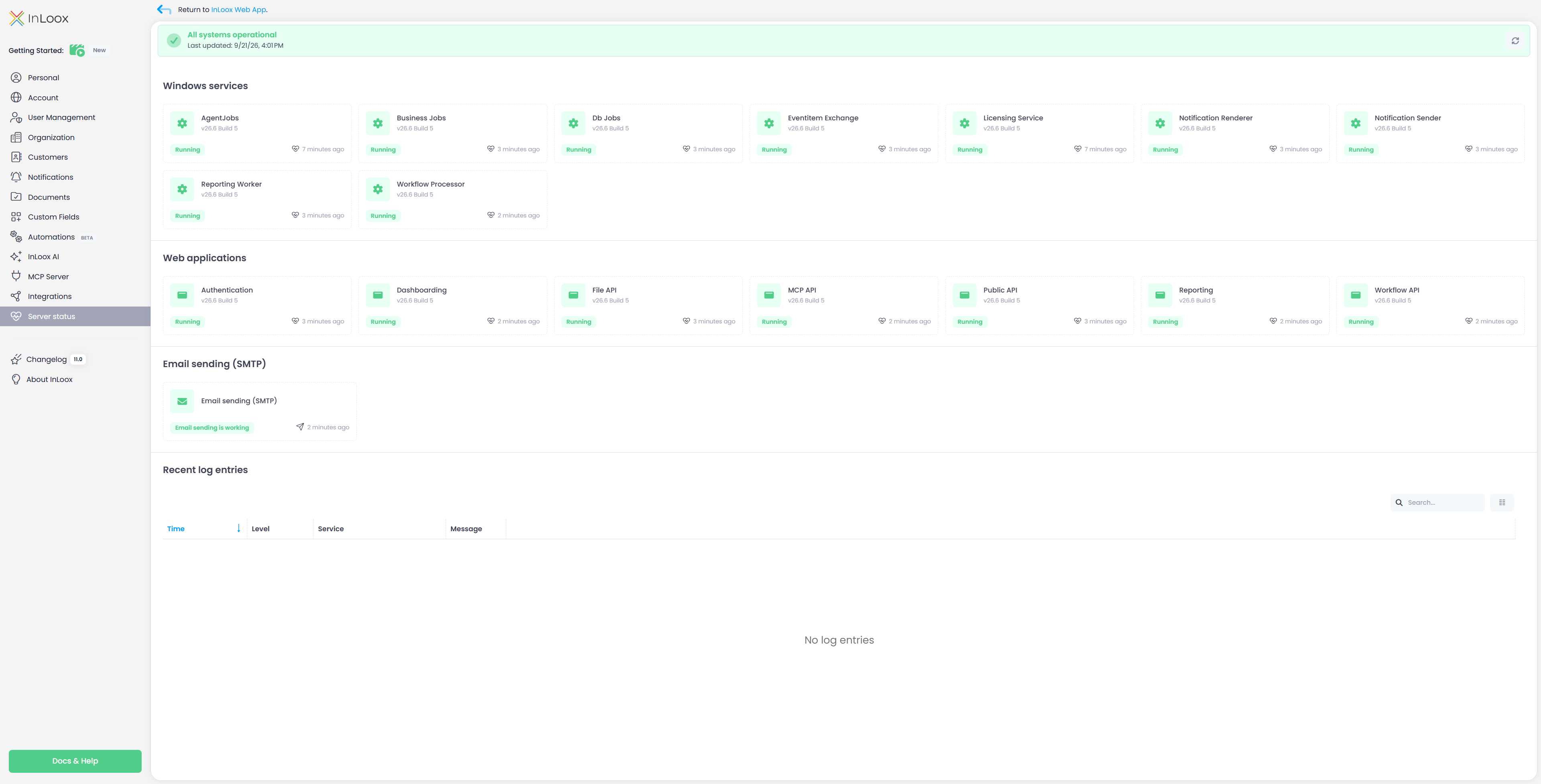
The banner at the top sums up whether all systems are operational, and the page refreshes automatically every 60 seconds.
Help article: Server Status (Self-Hosted)