Change History and Comments for Persons
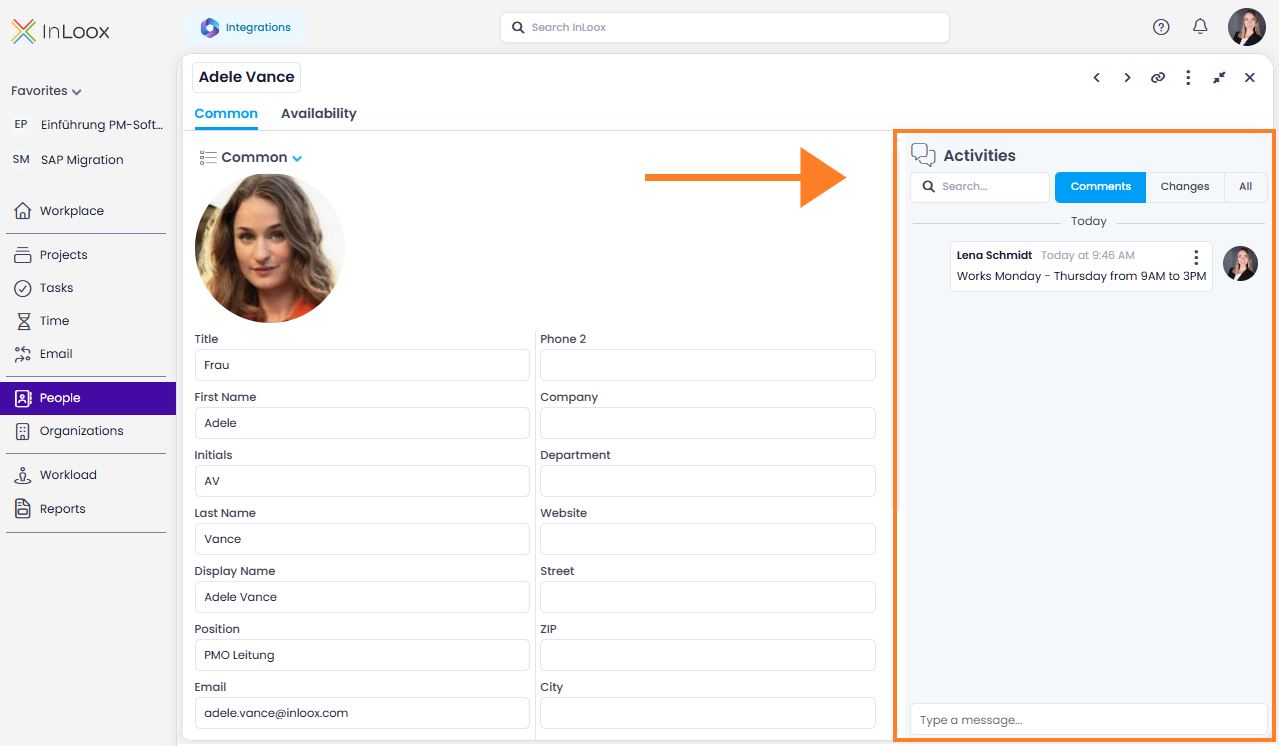
What your team knows about a contact no longer lives in someone's inbox. Contact entries now have the same Activities area you know from projects and tasks. Open a contact and you find it on the right-hand side, with three tabs:
- Comments: Post comments on the contact entry, for example to note working hours, responsibilities, or agreements. Use @ to address colleagues directly, and they receive a notification.
- Changes: See who changed which contact data and when.
- All: Comments and changes together in chronological order.
Help articles: People & Contacts · Comments