New Section: Organizations
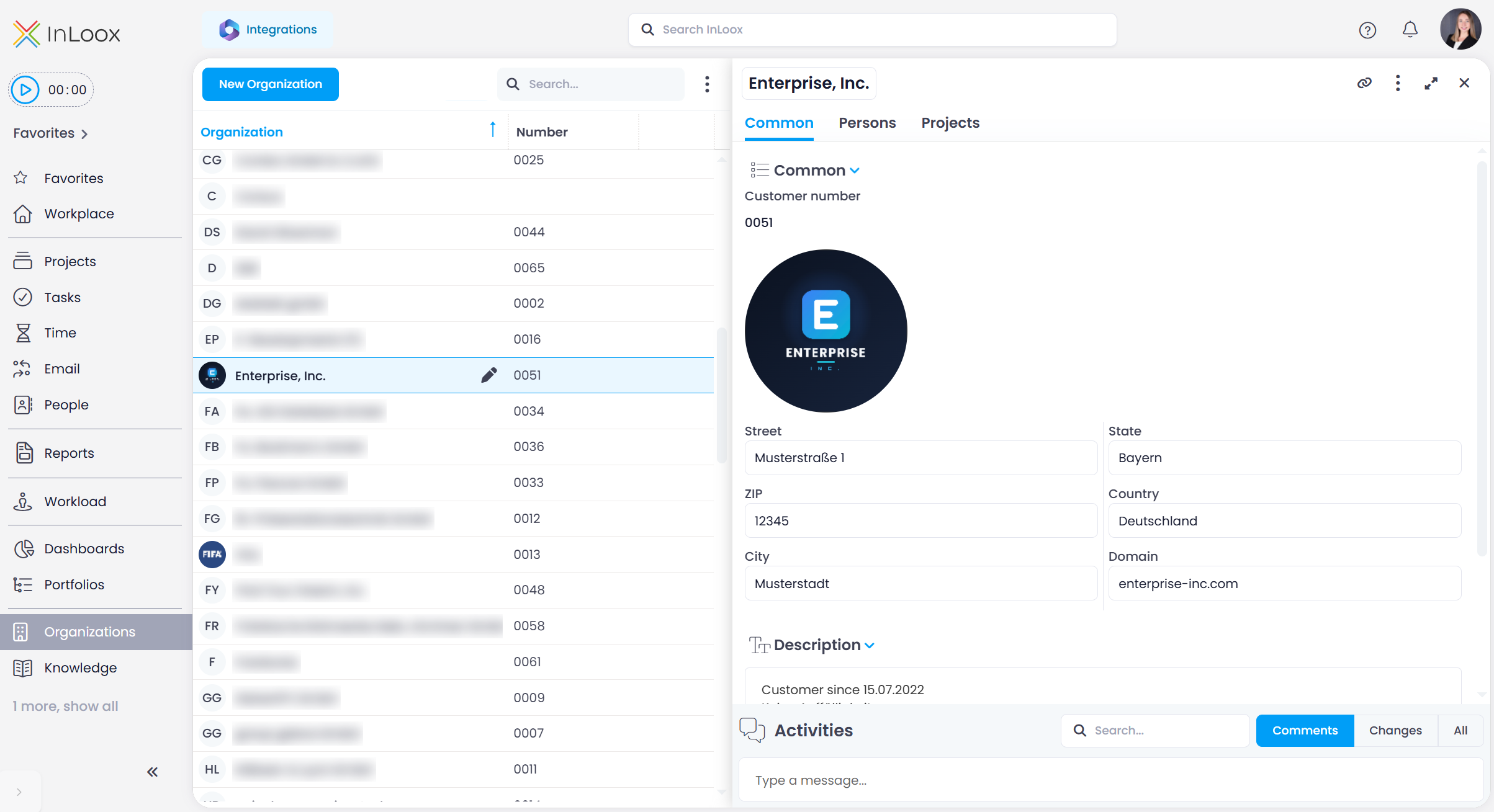
Everything about a customer or partner in one place: the new Organizations section replaces the former Clients area and gives every company, customer, or partner a detail view of its own, with contacts, projects, and history.
Each organization has a dedicated detail view with three tabs:
- General: Name, number, address, domain, and description, plus linked items and the activity feed with comments and change history.
- Persons: All contacts assigned to the organization.
- Projects: All projects the organization is linked to.
Like any other list view, the Organizations list can be filtered, sorted, grouped, and saved as a customized view. Custom fields and multi-editing are supported as well.
note
Access is controlled by three global permissions:
- Read organizations
- Create, edit and delete organizations
- Create organizations on the project manage page
The third one is meant for project managers who need to create an organization that does not exist yet in the Customers field on the Manage page, without receiving rights on the entire Organizations section.
Help article: Organizations