Absences: Precise Entry, Clearer Display in the Workload
Whether it is a week of vacation, a free afternoon, or just a couple of hours: entering absences and recognizing them in the workload is now noticeably quicker.
-
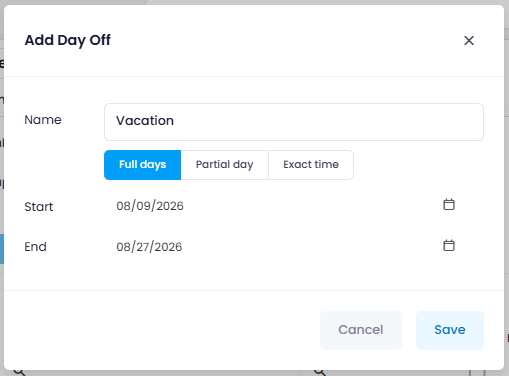
Enter days off conveniently: When adding a day off, you choose between Full days, Partial day, and Exact time. A half day is now a single option instead of a start and end time you have to set by hand. Exact times remain available wherever you really need them.
-
Recognize conflicts at a glance: The workload marks absences on the resource rows. In black, means the resource is absent with nothing scheduled. In red, means at least one task falls into the absence, so you can reschedule or redistribute it.

Help articles: Define Availability of a Person · Workload Calculation