Template Overwrite Confirmation
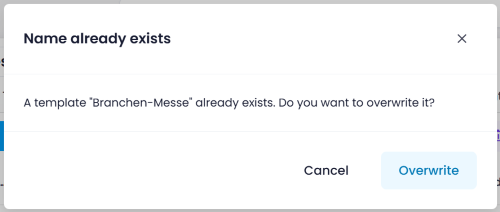
When saving a template with a name that already exists, InLoox now shows a Name already exists confirmation dialog. You can choose to Overwrite the existing template or Cancel to keep it unchanged. This prevents accidental overwrites of existing templates.
Help articles: Task Templates · Planning Templates