Projects: Import Microsoft Planner Plans Directly
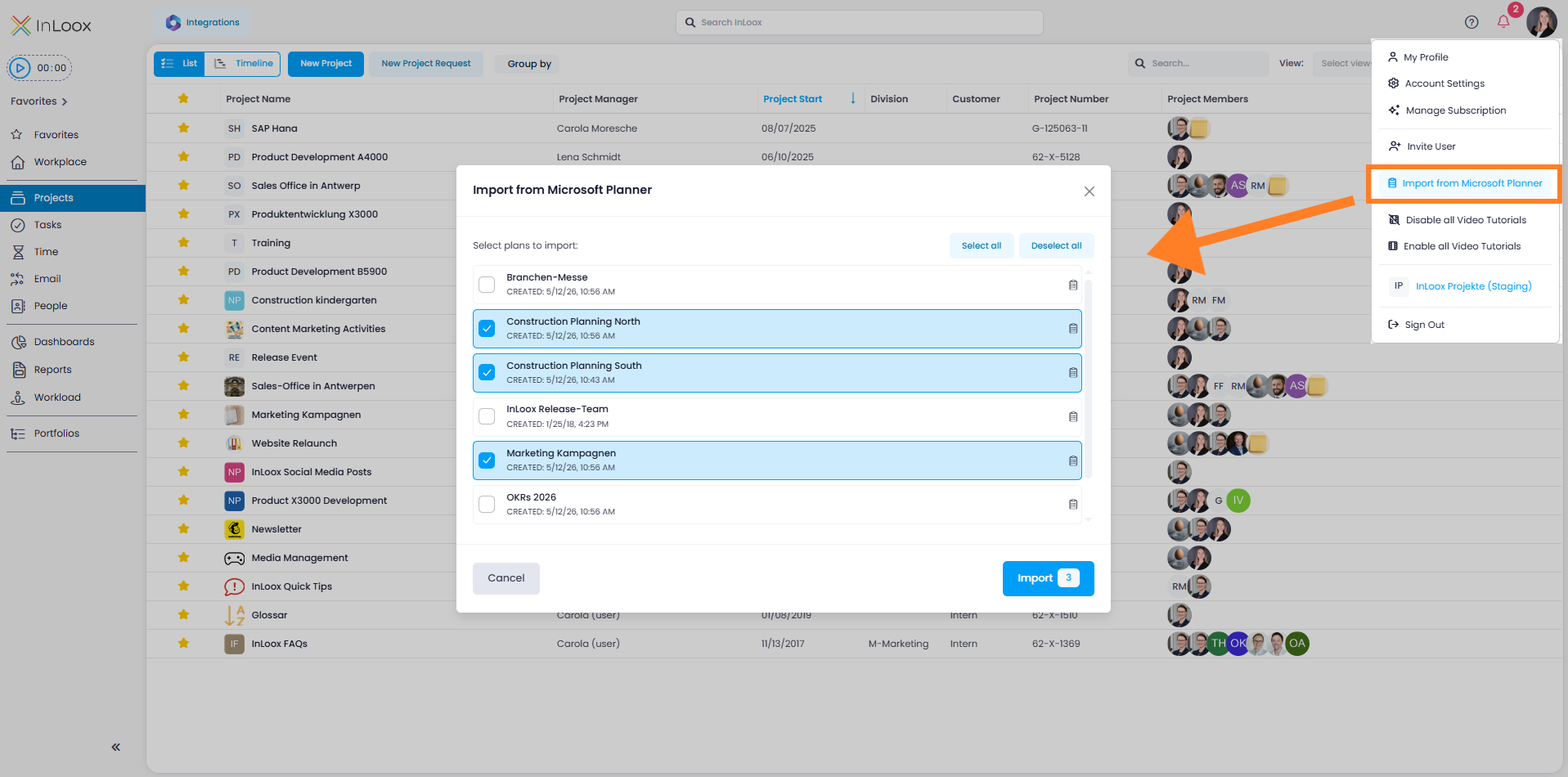
You can now import plans from Microsoft Planner directly into InLoox. Activate the Planner Import in the Integration Center, then start the import via your profile picture with Import from Microsoft Planner.
InLoox creates each selected Planner plan as a new project and imports the contained tasks directly as project tasks — ideal for a quick tool switch without manual data entry.
Help article: Import from Microsoft Planner