Custom Fields: Multi-Select and Range
Two new custom field types are now available:
- Multi-Select — Tag items with multiple values from a predefined list. Values are displayed as tags. If the Allow to add new item option is enabled in the field settings, users can also add new values directly in the field.
- Range — Select a numeric value using a slider within a defined minimum and maximum, for example as a scale or percentage.
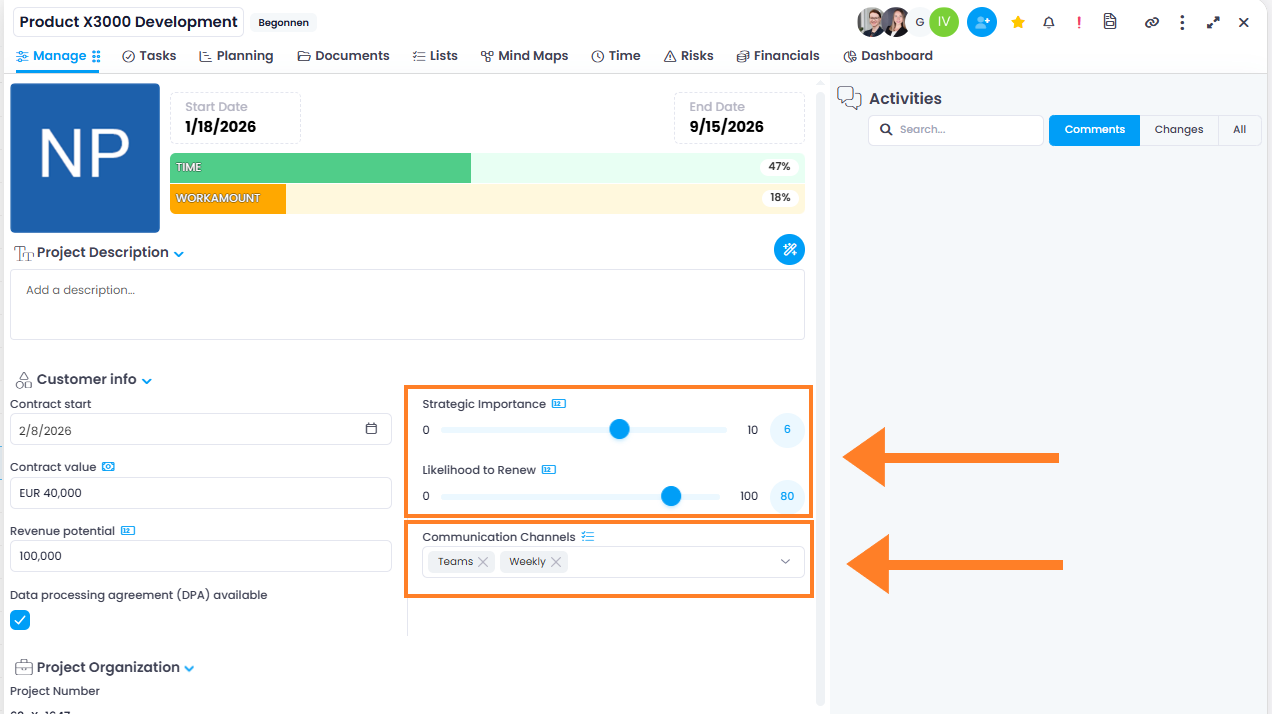
The new field types are ideal for classifications, ratings, or prioritizations and are available in all areas that support custom fields.
Help article: Custom Fields
Note: Custom fields are not available in the InLoox Professional Edition.