Excel and CSV Import for People and Contacts
You can now easily import contacts into InLoox using Excel or CSV files. After uploading your file, a matching assistant automatically analyzes the columns and suggests how they map to InLoox fields. The only required field is the email address — any additional information such as name, department, or phone number is optional and can be flexibly assigned.
This feature is especially useful when transferring contacts from external systems such as CRM tools or other data sources.
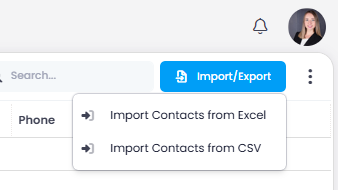
Help article: Import/Export Contacts