Enhancements to Documents: Clearly Structured Emails
With version 26.1, the Project > Documents area has been expanded, particularly in the way emails are handled.
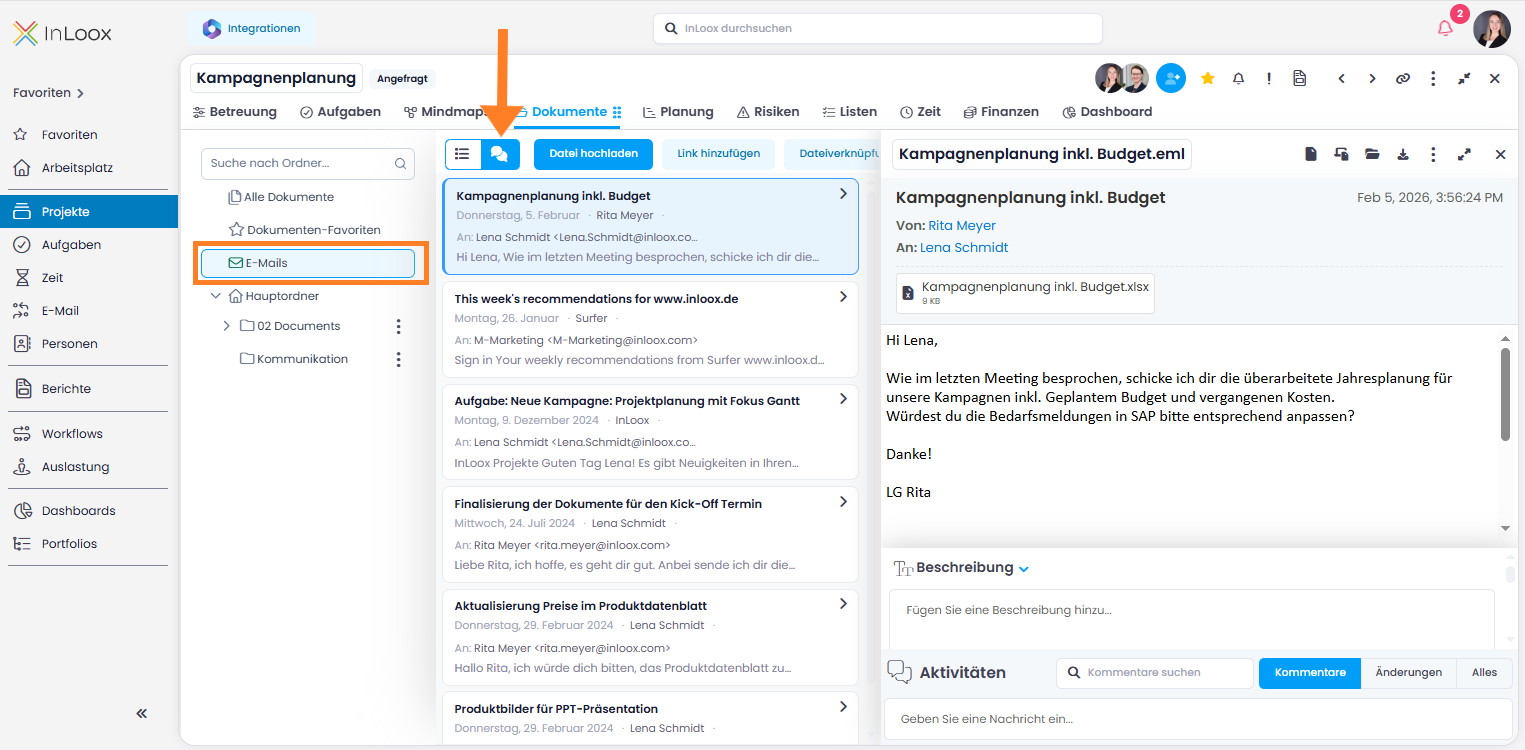
A new Emails folder is now available on the left-hand side. It provides a consolidated view of all emails posted to the project, regardless of which subfolder they were originally saved in — similar to "All Documents" but dedicated exclusively to emails.
Within this folder, you can choose between two views:
- The familiar, classic list view
- The new conversation view, where related emails are grouped together and displayed in a layout reminiscent of a CRM interface
Help article: Emails in Documents