People/Resources: Define Capacity in %
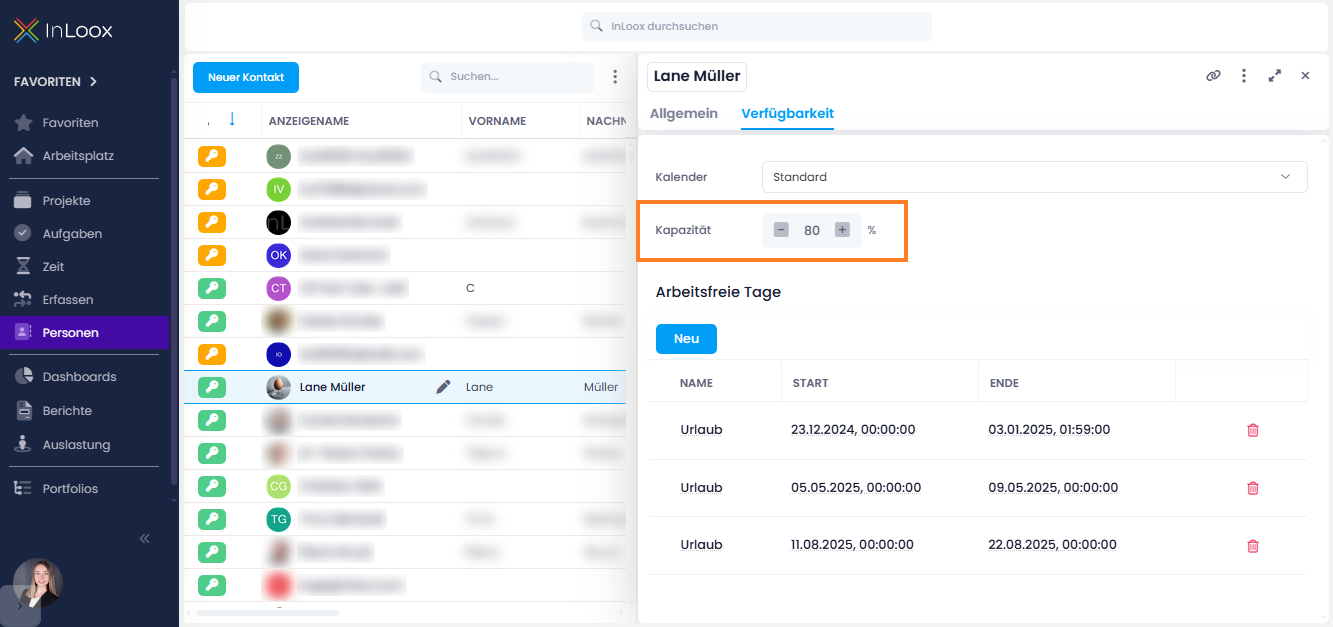
Under People in the tab Availability, you can now specify the percentage of capacity a resource can contribute to projects. This makes it easier to reflect realistic workloads:
- Example: A person allocated only 80% to project work will be displayed accordingly in workload planning.
- Higher values are also possible, e.g., for team or machine resources that can provide more than 100% capacity.
This lets you flexibly and precisely model both individual base workloads and abstract resources such as teams or machines.
Help articles: People & Contacts | Workload