Track: Move Documents to Specific Folders
When saving emails or attachments to InLoox via the Track section, you first select a project to store them in. Now, you can move saved emails, attachments, or documents into a specific folder within the project afterwards.
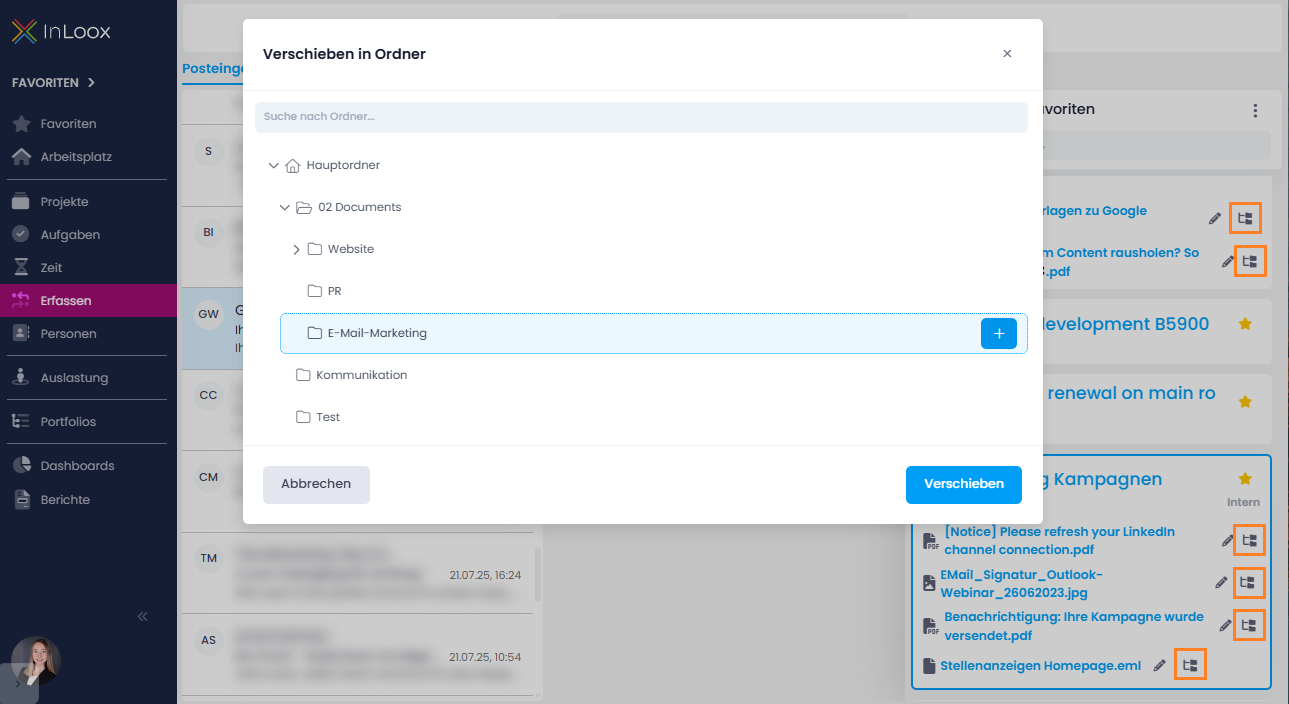
Next to the document name, you'll find a new icon that opens the "Move to Folder" dialog, allowing you to move the file into an existing folder or create a new one on the spot.
Help article: Track