Planning: Edit Multiple Planning Elements at Once
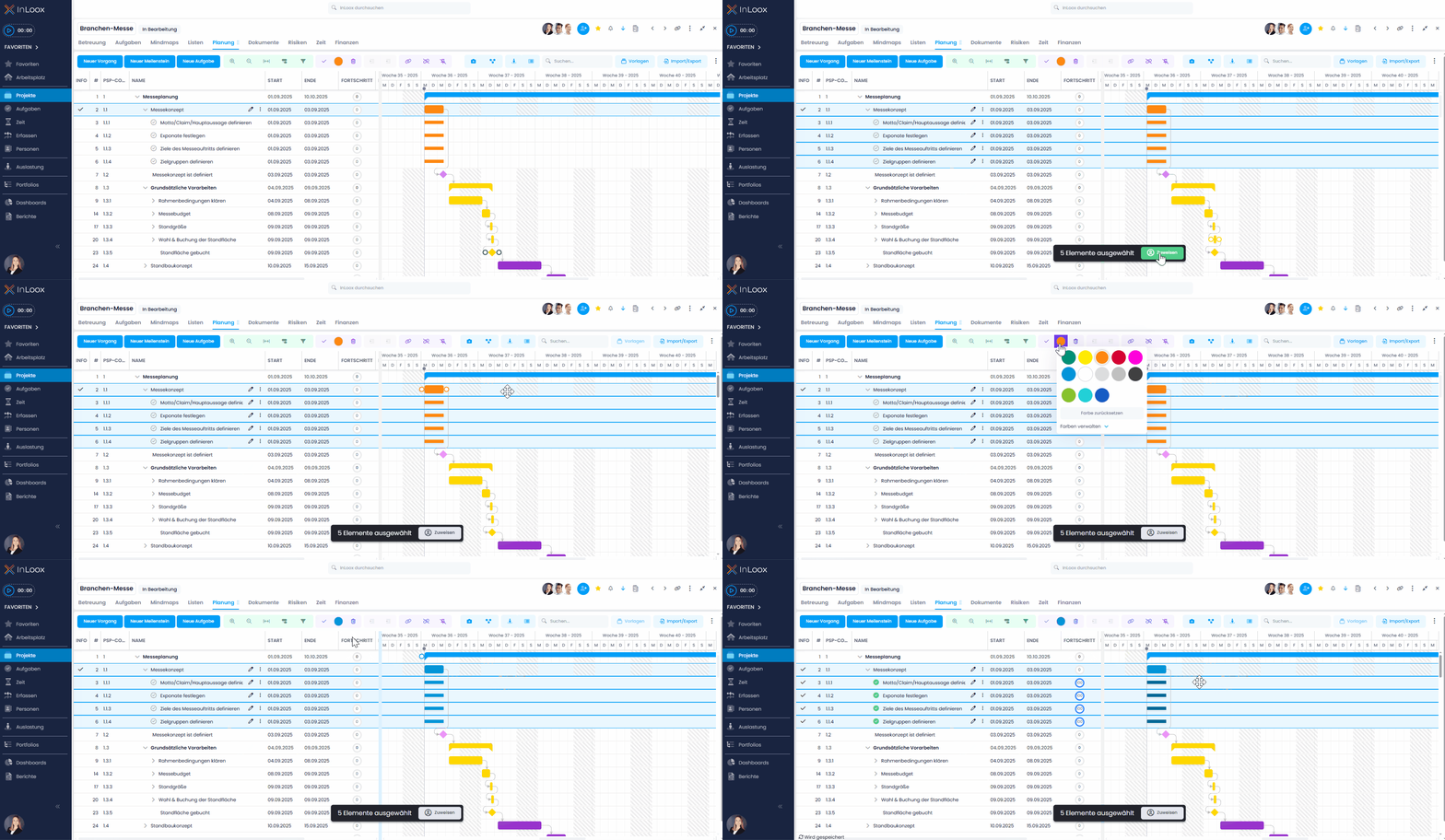
In the Gantt view, you can now use multi-select to edit several elements simultaneously. This saves time and makes planning even more efficient. Specifically, you can:
- Assign or change a color for multiple planning elements
- Mark multiple elements as completed
- Delete multiple planning elements
- Assign a resource to several tasks in the plan at once
Help article: Multi-Editing of InLoox Elements