Bulk Editing
With the new multi-editing feature, you can now edit multiple tasks, time tracking entries, and even entire projects at once – quickly, consistently, and without repetitive manual steps.
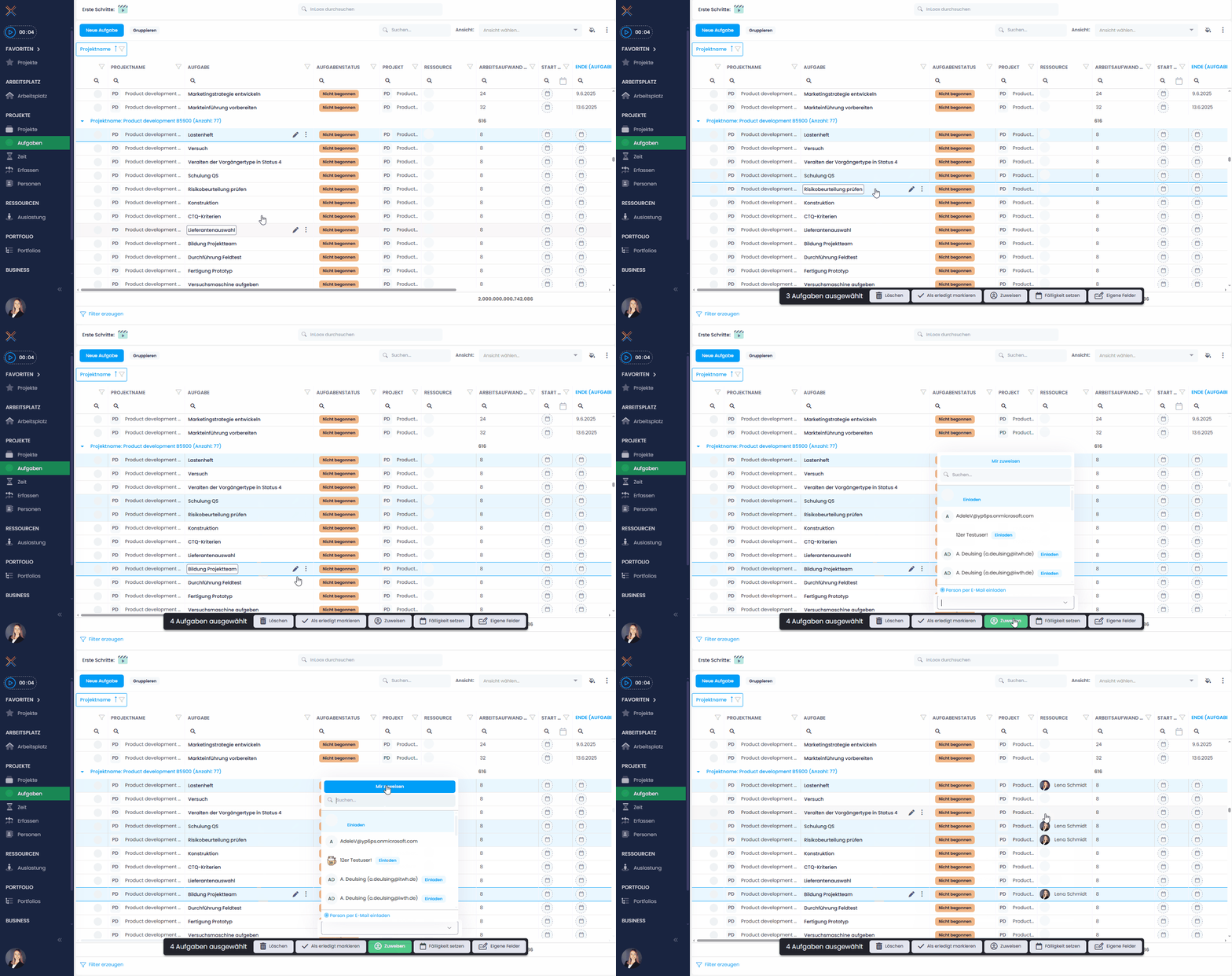
Instead of opening each entry individually, simply select multiple rows in the respective list and apply your changes in one go. This not only saves time, but also minimizes errors and brings more clarity to your day-to-day work.
For example, you can assign multiple tasks to a new resource at once – ideal for quick team changes or reassignments. Or you can update the status of several projects in one step, or restore multiple archived projects at the same time.
Help article: Multi-editing of InLoox elements