Troubleshooting
This page provides solutions for common error messages and issues you may encounter while using InLoox.
Login Errors
"There is no corresponding InLoox account for the Microsoft 365 account you used"
Full error message: "There is no corresponding InLoox account for the Microsoft 365 account you used. Please check your login details or try again in a private browser tab."
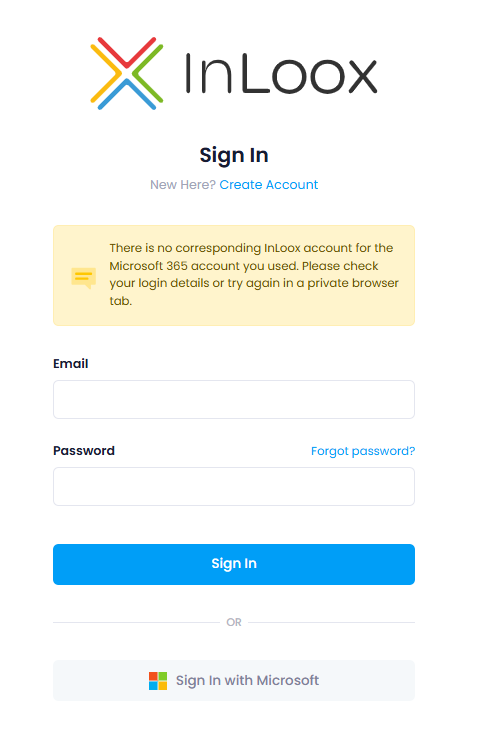
Cause: Your Microsoft 365 account is not linked to your InLoox account. InLoox cannot match the Microsoft account you used for sign-in to an existing InLoox user account.
Solution:
- Go to the InLoox login page and sign in with your email address and password instead of using the Microsoft sign-in option.
- If you do not know your password, click Forgot password on the login page to reset it.
- Once signed in, connect your Microsoft 365 account using one of these options:
- Open the Integration Center and click Connect with Microsoft 365.
- Go to My Profile > Settings and link your Microsoft 365 account there.
After linking, you can sign in to InLoox with your Microsoft 365 credentials in the future.
tip
For detailed instructions on connecting your Microsoft 365 account, see Connect Microsoft 365 Account.