Installation in Microsoft Teams
Prerequisites
You need one of the InLoox cloud editions (InLoox Professional, InLoox Enterprise, or InLoox Enterprise Plus) with Microsoft Teams.
-
Open Microsoft Teams.
-
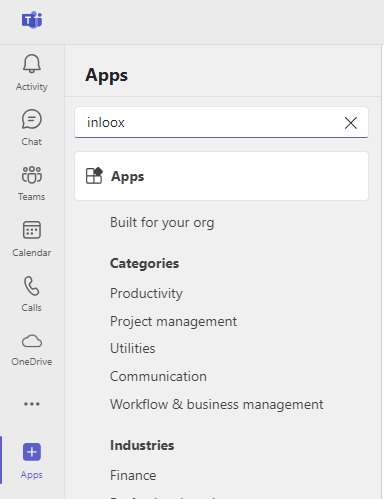
Click Apps in the bottom-left corner. In the search bar, search for InLoox.
-
Click Add for the InLoox app.

-
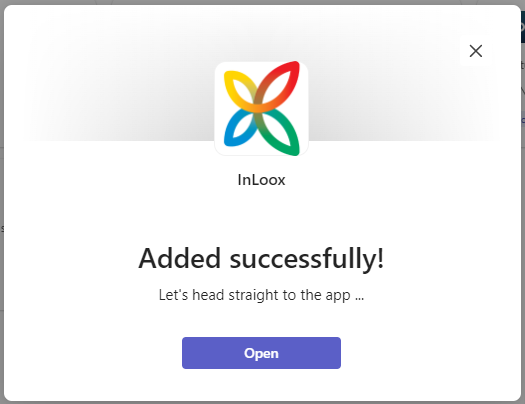
After the installation completes, the message "Added successfully" appears. Click Open.
-
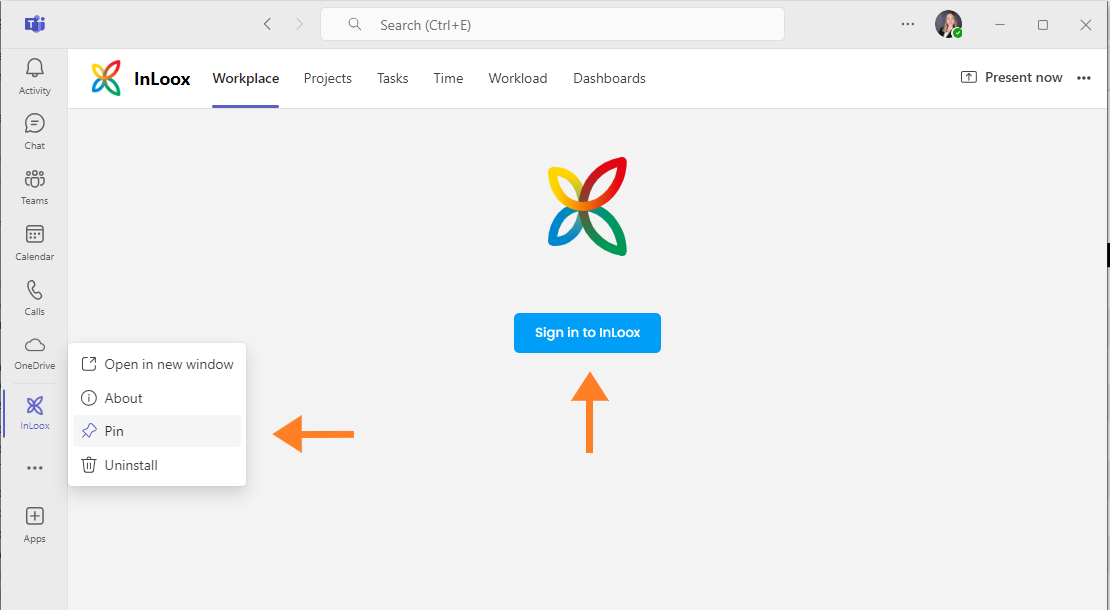
InLoox now appears in the app bar on the left. The app opens automatically.
tipTo keep the app permanently visible in the app bar, right-click the InLoox icon and select Pin.
-
Click Sign In to InLoox and log in with your credentials.