Installation via Microsoft AppSource
You need one of the InLoox cloud editions (InLoox Professional, InLoox Enterprise, or InLoox Enterprise Plus) with Microsoft Teams.
-
Go to https://appsource.microsoft.com/en-us/product/office/WA200007797. Alternatively, search for InLoox in the Microsoft AppSource.
-
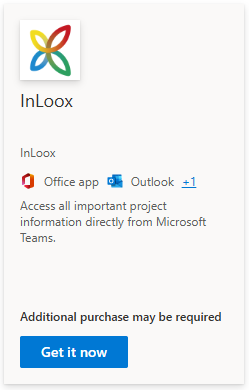
For the InLoox app (not to be confused with InLoox for Outlook, which is a separate app), click Get it now.
-
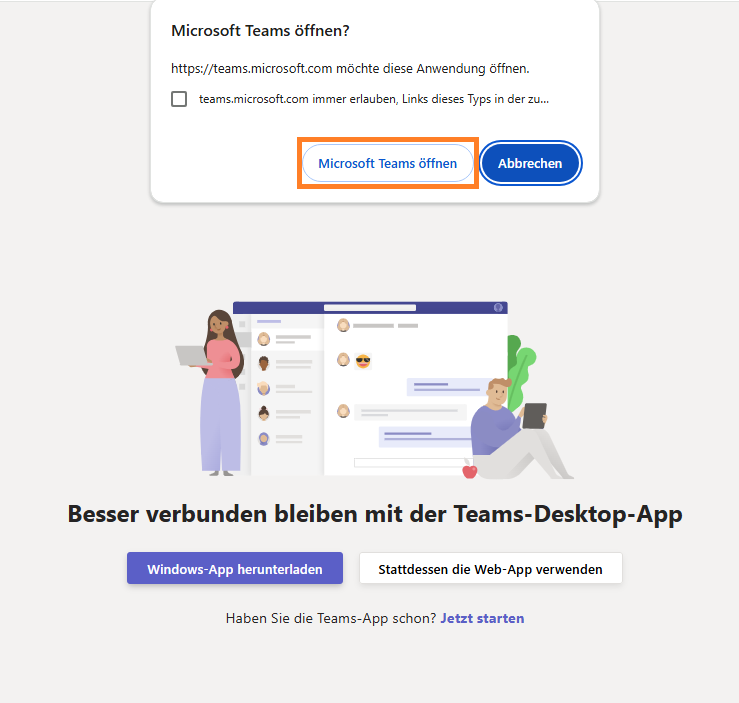
You will be redirected to Microsoft 365. Click Open Microsoft Teams. Alternatively, you can use the web app. InLoox will be installed automatically in Microsoft Teams.
-
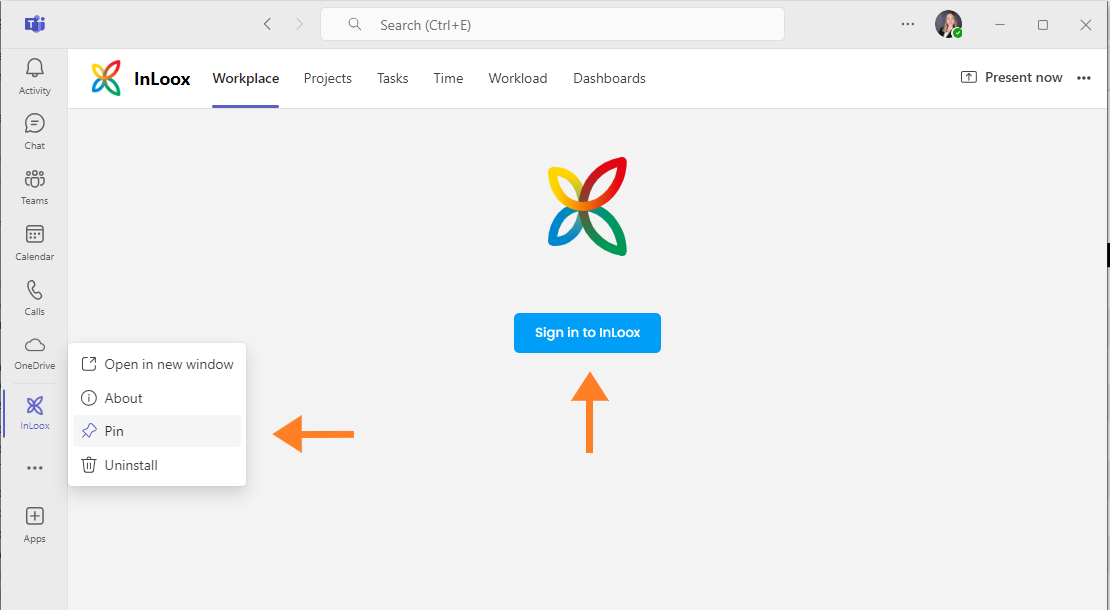
After the installation completes, InLoox appears in the app bar on the left.
tipTo keep the app permanently visible in the app bar, right-click the InLoox icon and select Pin.
-
Click Sign In to InLoox and log in with your credentials.