Specify Data Source Settings (JSON)
This page appears if you selected JSON on the previous page.
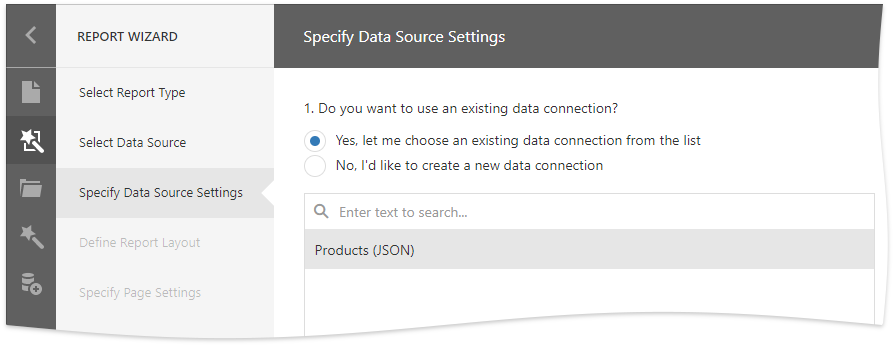
Select an Existing Data Connection
Select the first option and choose a data connection from the list.
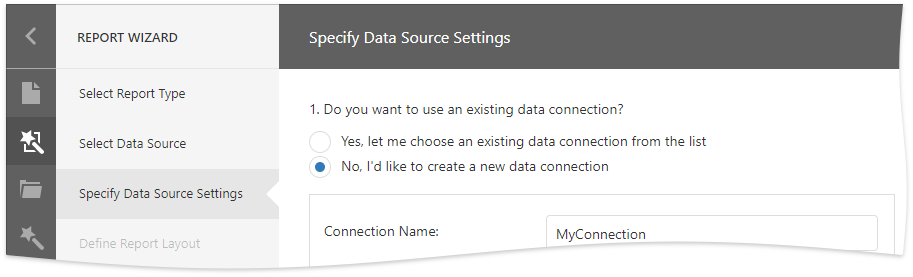
Create a New Data Connection
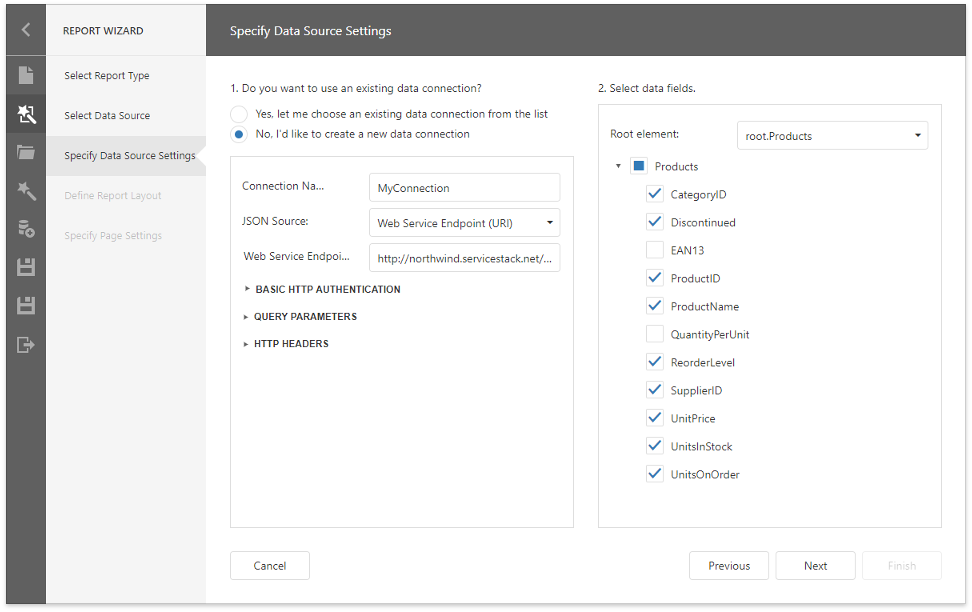
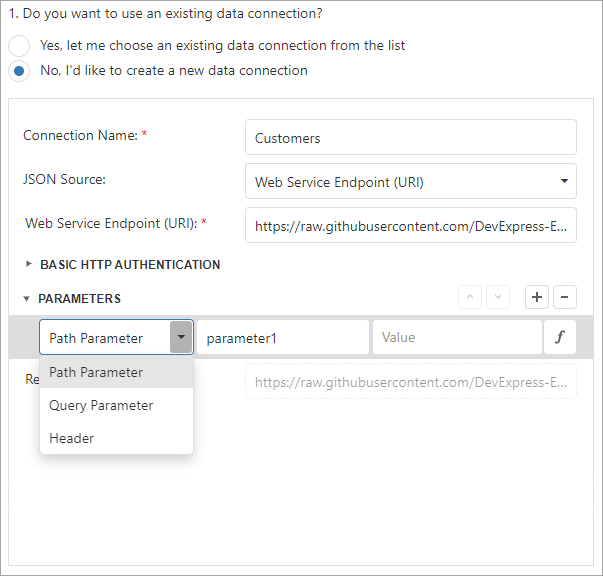
Select the second option to create a new connection.
Specify the connection name and select the JSON source.
-
Web Service Endpoint (URI)
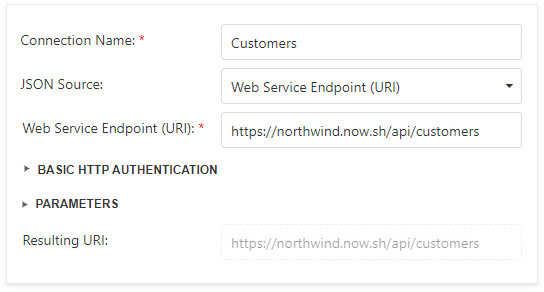
You can also specify the Web Service Endpoint's request parameters (username and password, HTTP headers, or query parameters)
-
JSON String
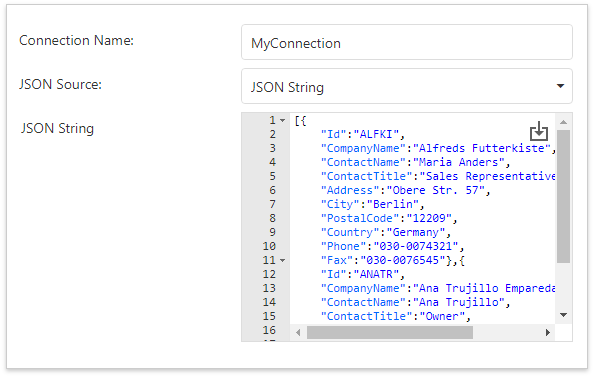
You can also click the Upload JSON button to load the JSON string from a JSON file.
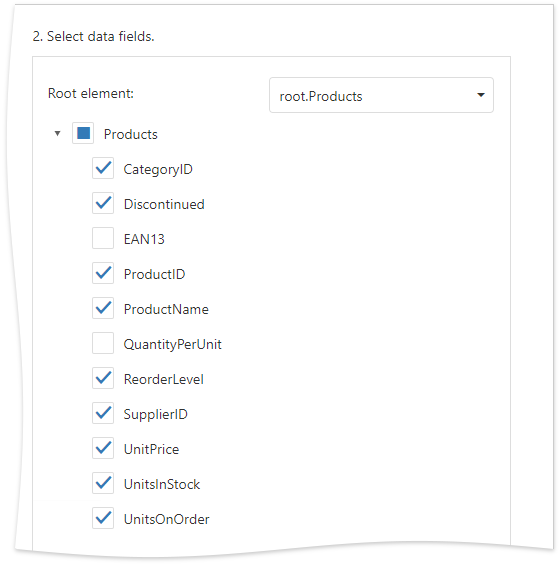
Select Data Fields
At this step, the wizard shows JSON schema. Check the data fields you want to include in your report.
Click Next to proceed.