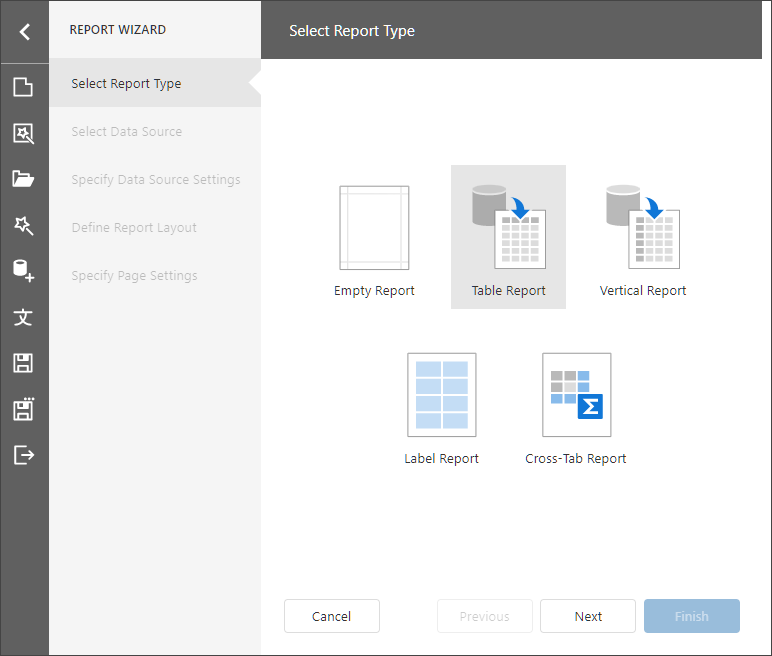
Reports & DashboardsReport DesignerReport Designer ToolsReport WizardTable and Vertical ReportTable and Vertical Report Select Table Report/Vertical Report on the start page to create a table/vertical report and bind it to data. The wizard includes the following steps: Select Data Source Specify Data Source Settings Specify Data Source Setting (Database) Specify Data Source Settings (JSON) Specify Data Source Settings (Object) Specify Data Source Settings (MongoDB) Specify Data Source Settings (Data Federation) Define Report Layout Specify Page Settings