Label Report
Select Label Report on the start page to create a report with labels.
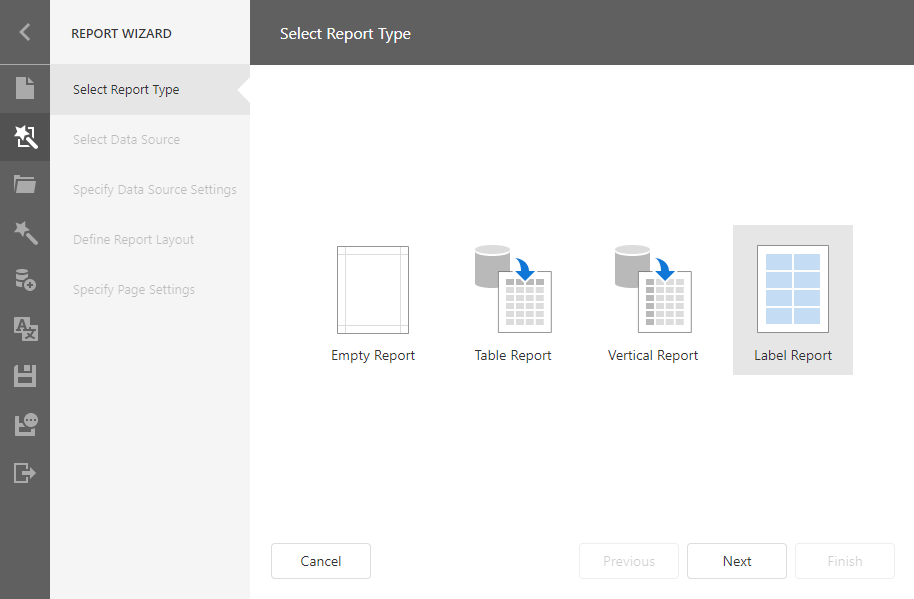
Click Next to go to the Specify Page Settings page.
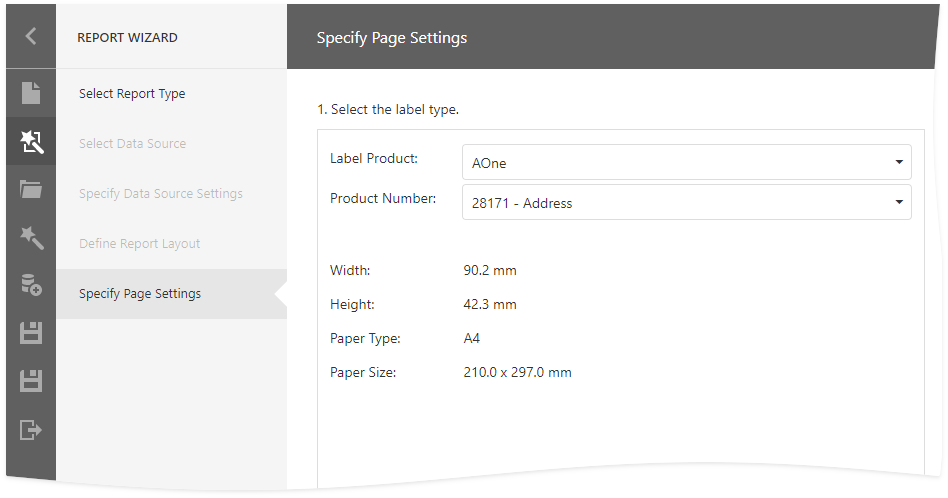
Select the Label Type
Choose a label standard from the Label Product drop-down list. Select a label type from the Product Number drop-down list. The type defines the label's default size, layout, and paper type.
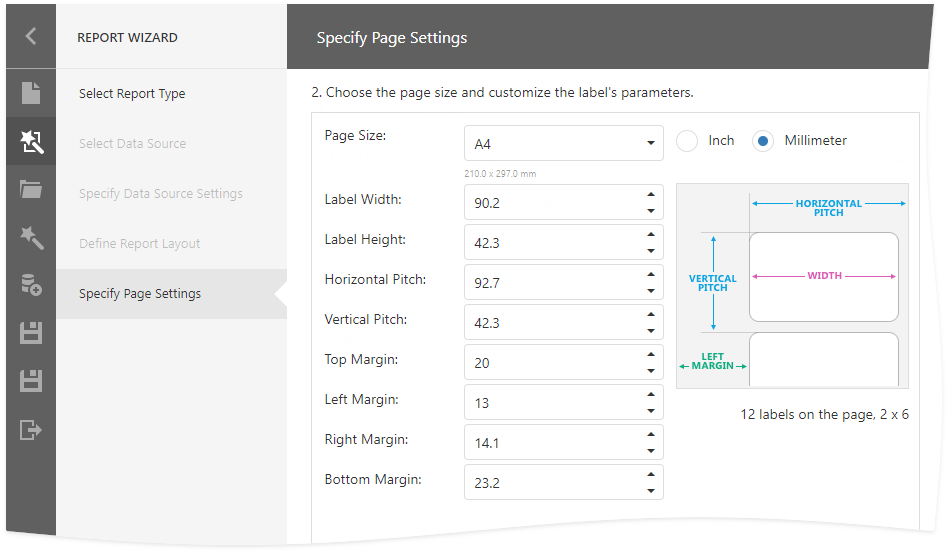
Customize Label Parameters
At this step, you can customize the page size and label settings.
Click Finish to complete report creation.
Result
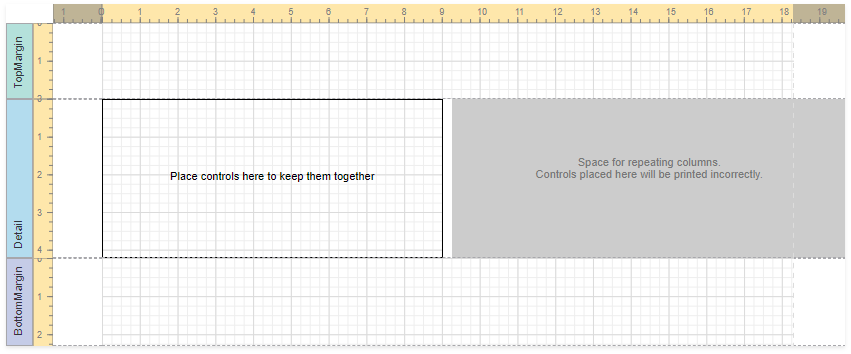
After the wizard is finished, it divides the report's Detail band into three differently colored areas:
- The area at the left-hand side indicates the actual band area where you can place controls.
- The gray area at the right-hand side defines the space where label columns are repeated. Do not place controls in this area.
- The white space specifies the indent between labels.
To provide report data, use the Data Source Wizard.