InLoox LogoInLoox Logo
DocsLearn
English
  • English
  • Deutsch
WebOutlookTeamsMobileSelf-HostedAPI
  • Getting Started
  • Workplace
  • General Features
  • Projects
  • Project List
  • Tasks
  • Documents
  • Email
  • Time Tracking
  • Planning
  • Mind Maps
  • Lists
  • Views
  • AI Assistant
  • Workload
  • Financials
  • Reports & Dashboards
    • Reports
    • Report Designer
      • First Look at the Report Designer
      • Add New Reports
      • Open Reports
      • Save Reports
      • Introduction to Banded Reports
      • Bind to Data
      • Create Reports
      • Configure Design Settings
      • Use Report Elements
      • Use Report Parameters
      • Shape Report Data
      • Lay out Dynamic Report Content
      • Customize Appearance
      • Add Navigation
      • Provide Interactivity
      • Add Extra Information
      • Merge Reports
      • Use Expressions
      • Localize Reports
      • Preview, Print and Export Reports
      • Report Designer Tools
    • Dashboards
    • Dashboard Designer
  • Risks
  • Portfolio
  • People & Contacts
  • Integrations
  • Personal Settings
  • Admin Settings
  • Help & Support
  • Reports & Dashboards
  • Report Designer
  • Open Reports

Open Reports

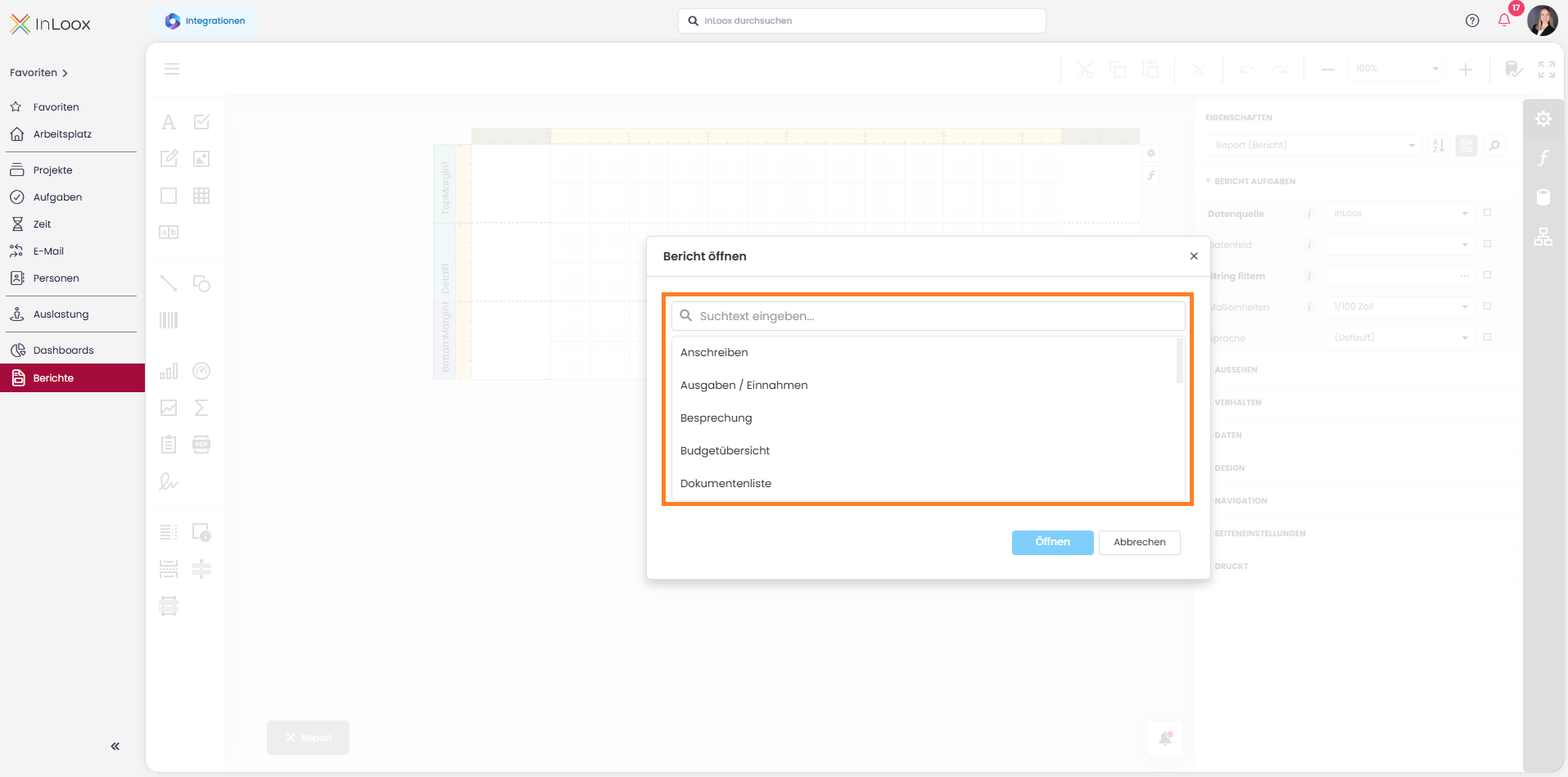
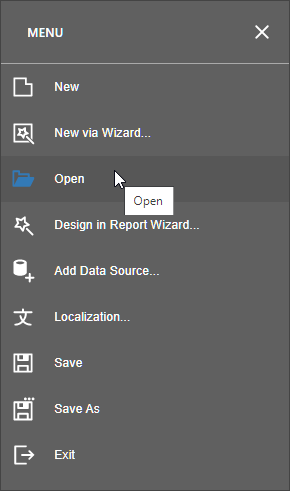
Click Open in the menu to invoke the Open Report dialog.
The dialog displays reports from the report storage. You can enter text in the search field to filter the report list.
Select a report and click Open.

You can use the Open Report dialog to search for a report.

Previous
Add New Reports
Next
Save Reports
Copyright © 2001-2026 InLoox GmbH. All rights reserved.
Ask AI

Ask a question about InLoox documentation.

AI answers may contain errors.