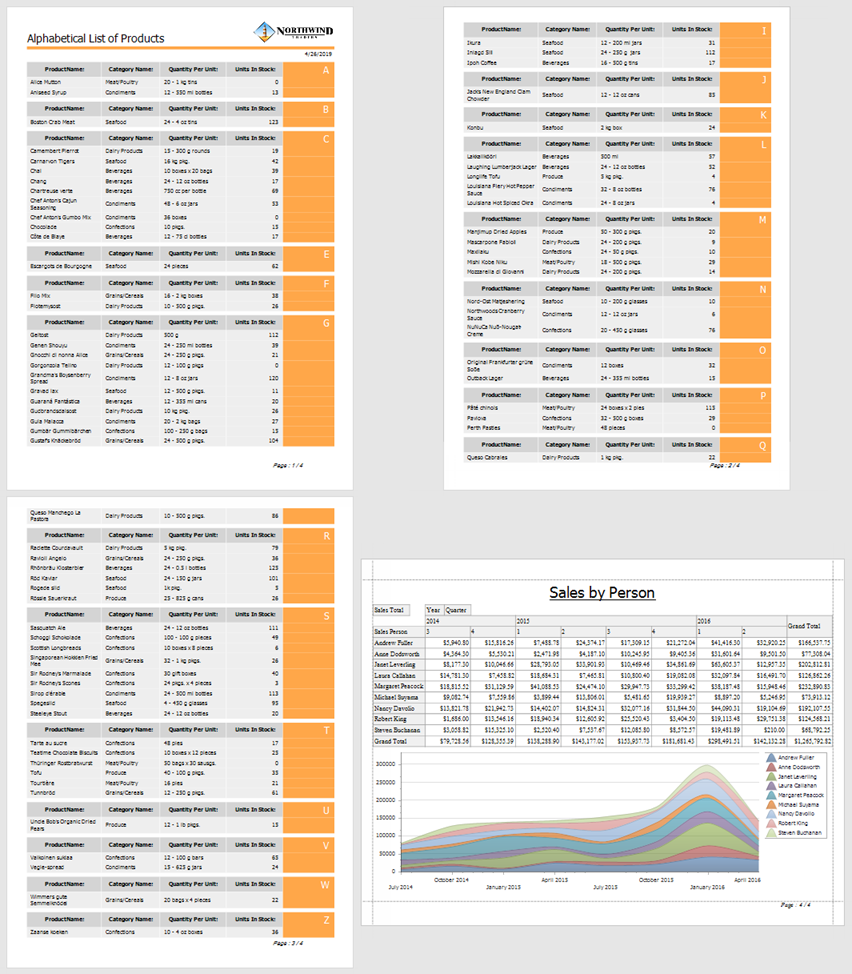
Add a Report to the End/Beginning
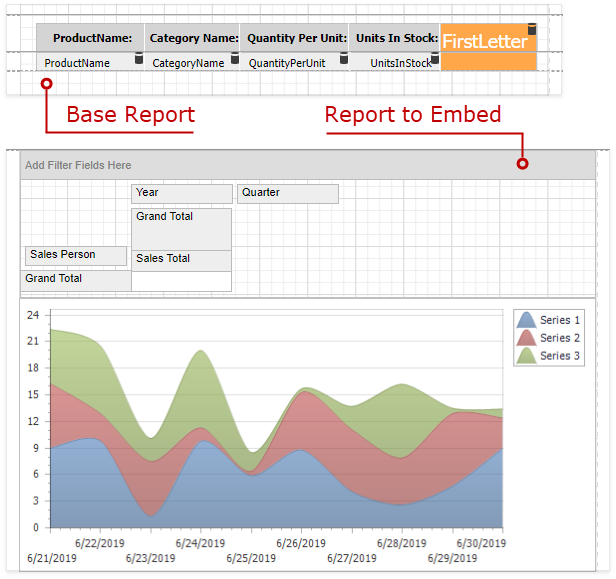
Follow the steps below to add a separate report to the end of another report and print it as a single job.
-
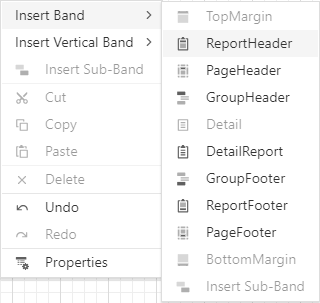
From the context menu, select the Insert Report Footer Band.
-
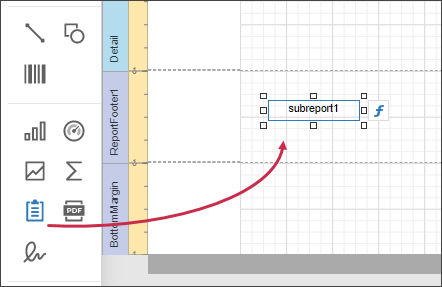
Drag a Subreport item from the Toolbox onto the created Report Footer band.
 tip
tipTo add a report to the beginning of another report (for instance, to add a title page), use the Report Header band instead.
-
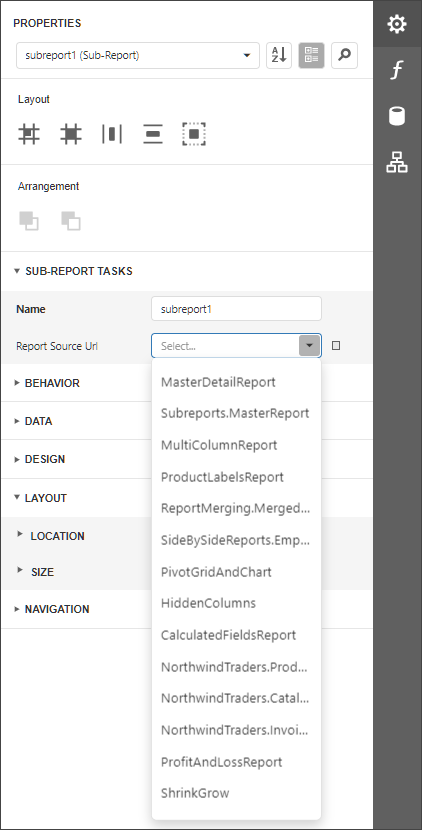
In the Subreport's Tasks group, set the Report Source Url parameter to the report that you want to insert.
-
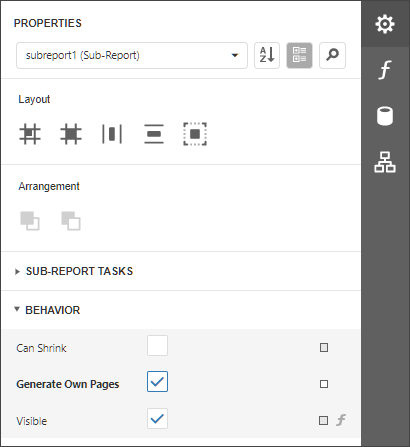
Enable the Generate Own Pages option in the Subreport's Behavior group to print the embedded report on separate pages and use its own page settings.
-
Switch to Preview mode to see the combined report.