Display the User Name in a Report
This tutorial demonstrates how to insert the current user name in a report using the PageInfo control.
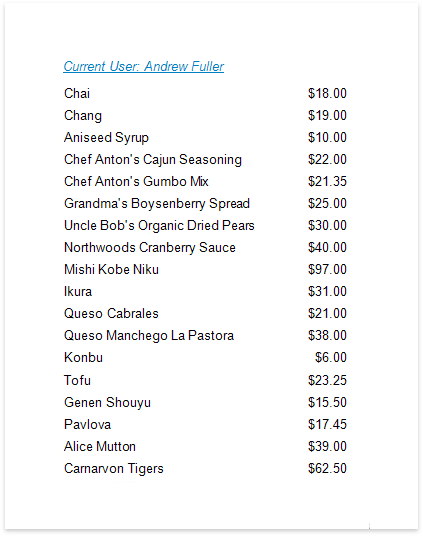
Do the following to insert the user name into a report:
-
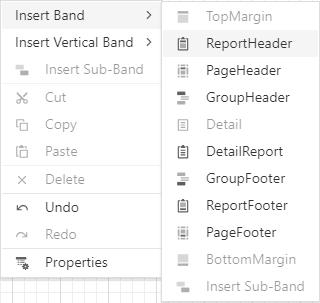
The user name is usually displayed in the Report Header band. To add it to the report, click Insert Report Header Band in the context menu.
-
Drop the PageInfo control from the Toolbox onto the Report Header band.

-
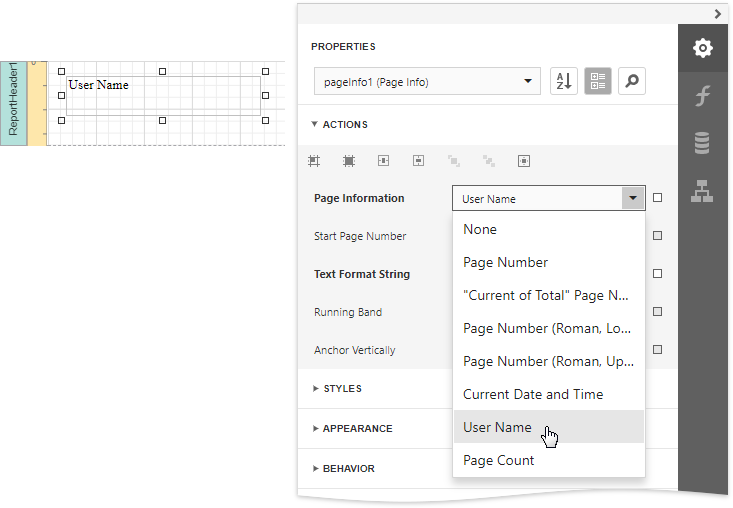
Set the control's Page Information property to User Name.
-
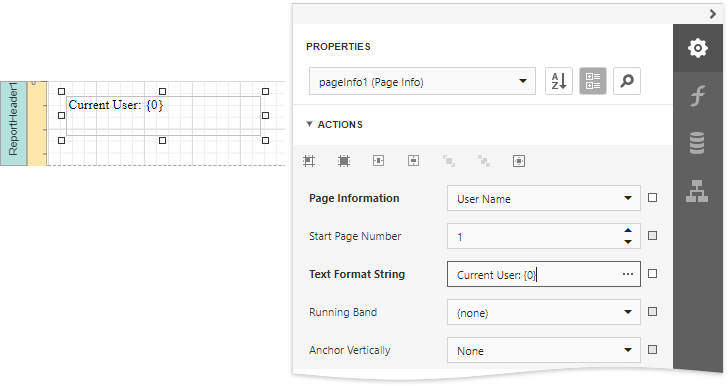
Next, to apply a format string to the control's contents, type Current User: {0} into its Text Format String property.