Group, Filter, and Sort the Project List
You can group, filter, and sort the project list in several ways to find the projects you need.
Group the Project List
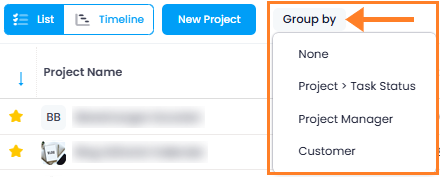
Click the Group by button to group the project list by a specific criterion. Choose from the following options:
- None
- Project > Task Status
- Project Manager
- Customer
tip
For individual grouping options beyond the defaults, see the help article on grouping, filtering, and sorting list views.
Filter by View
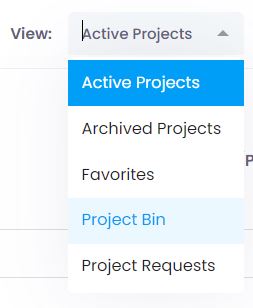
Under View (top right), filter the project list by:
- Active Projects
- Project Requests
- Archived Projects
- Project Bin
- Favorites
tip
You can also create and save your own custom views. Learn more in the help article on saving list views.
Sort by Column
Click a column name to sort the project list in ascending or descending order.
