Structure of the InLoox for Outlook Add-in
The InLoox for Outlook add-in adds a side panel to your Microsoft Outlook.
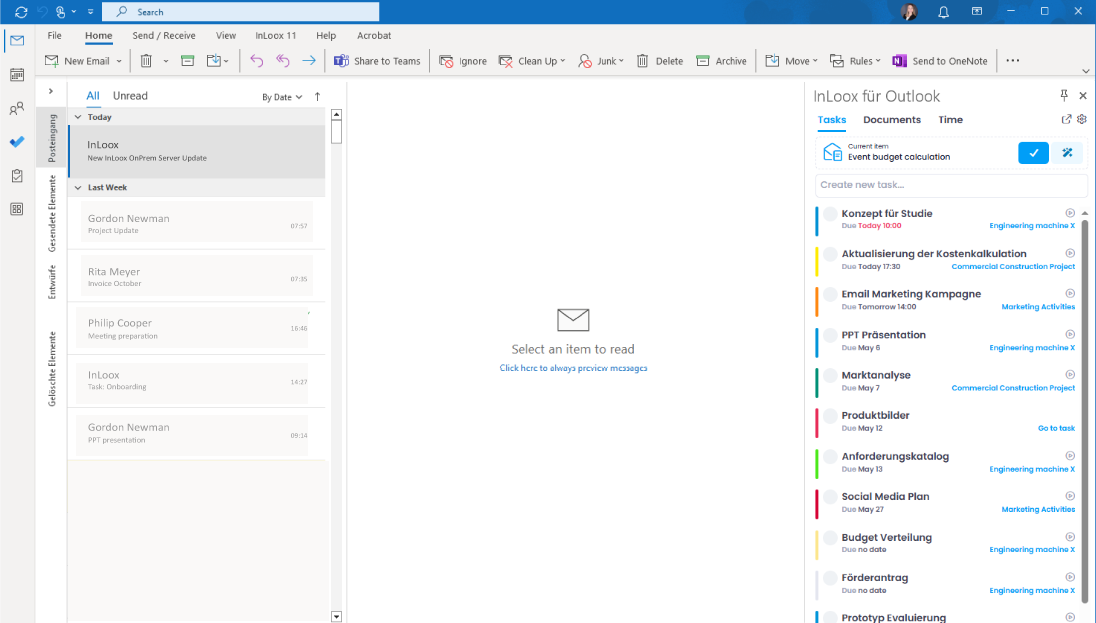
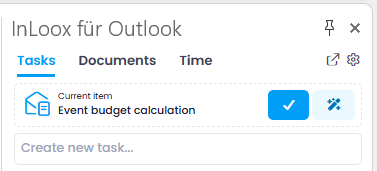
At the top, you can switch between the Tasks, Documents, and Time tabs. In the upper-right corner, you will find two icons:
- Arrow icon: Opens InLoox Web App in your browser.
- Gear icon: Takes you to your profile, account settings, user management, and account switching.
The side panel serves as your personal workspace, giving you a comprehensive overview of your current and upcoming tasks. Tasks are sorted by due date so you can easily see which ones have priority.
At the bottom of the side panel, you can see whether the stopwatch is actively tracking time for a task.