Interactivity
This document describes the features that enable interaction between the Bound Image and other dashboard items. These features include Master Filtering.
Master Filtering
Data displayed in the Bound Image dashboard item can be filtered by other master filter items. The image below displays the Bound Image dashboard item filtered by List Box.
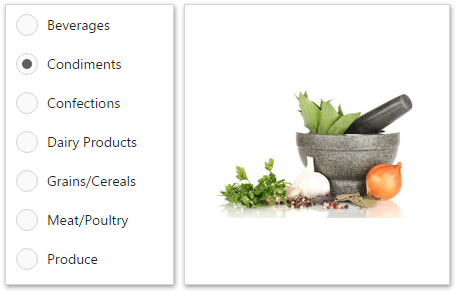
You can prevent the Bound Image from being affected by other master filter items using the Ignore Master Filters button in the Bound Image's Interactivity menu.

To learn more about filtering concepts common to all dashboard items, see the Master Filtering topic.