Create a Dashboard
Creating a new dashboard in InLoox is straightforward. Follow these steps to get started:
-
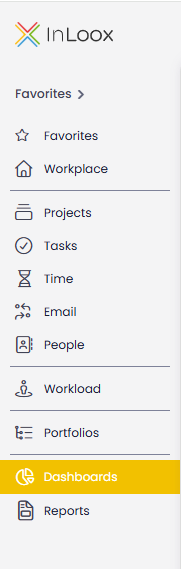
In the left main menu, click Dashboards.
-
On the right side of the toolbar, click and select Create New Dashboard.

-
In the dialog that opens, enter a name for your new dashboard and click Save.

-
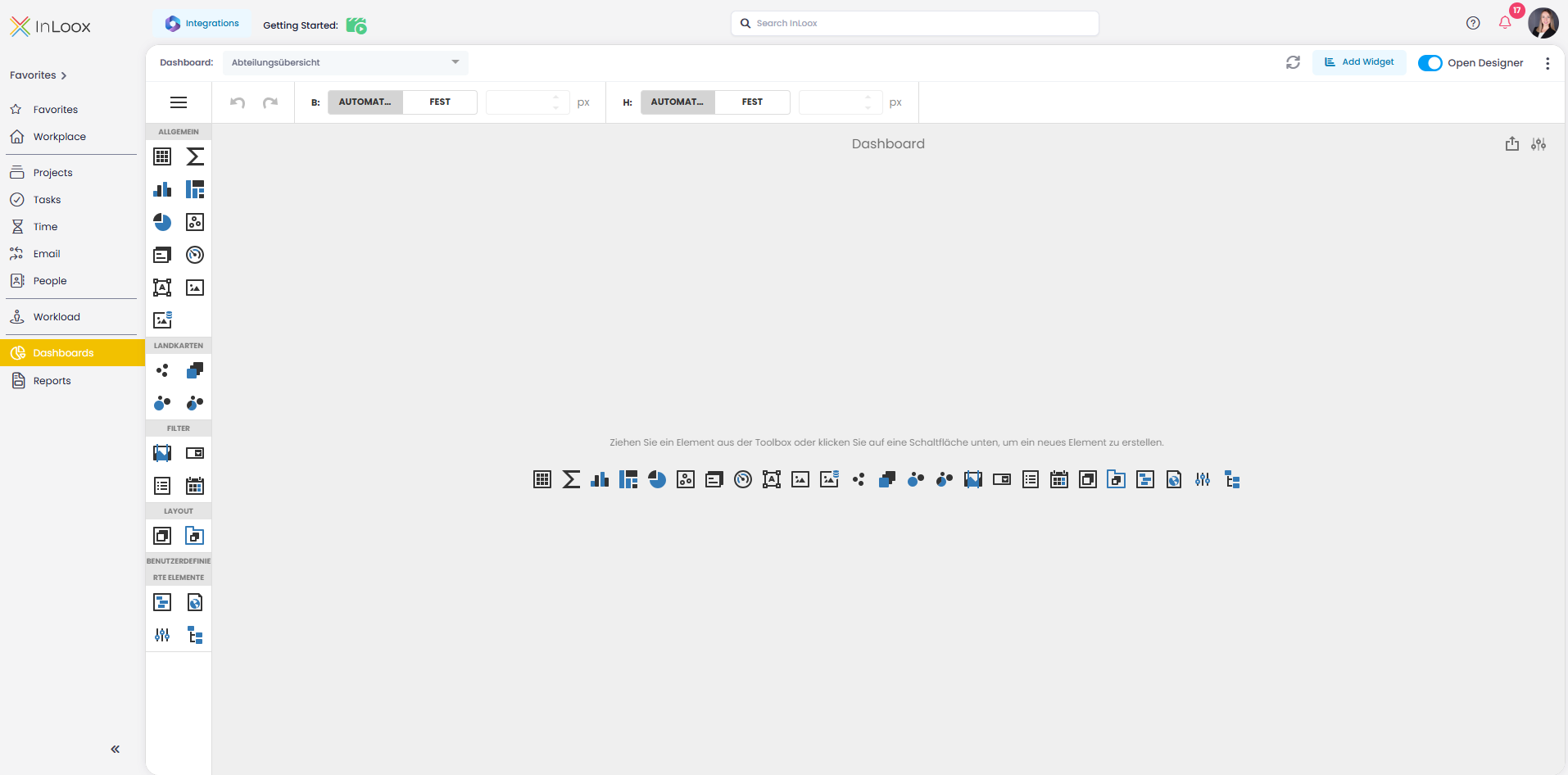
You will now be taken to the dashboard editor. From here, you can begin designing your dashboard by connecting a data source and adding dashboard elements from the toolbox.