Create Personal Access Token
A Personal Access Token (PAT) is used to authenticate external applications — such as Excel, Power BI, or custom integrations — with the InLoox API.
Create a Personal Access Token
- In InLoox, go to My Profile.
- Open the Personal Access Tokens (PAT) tab.
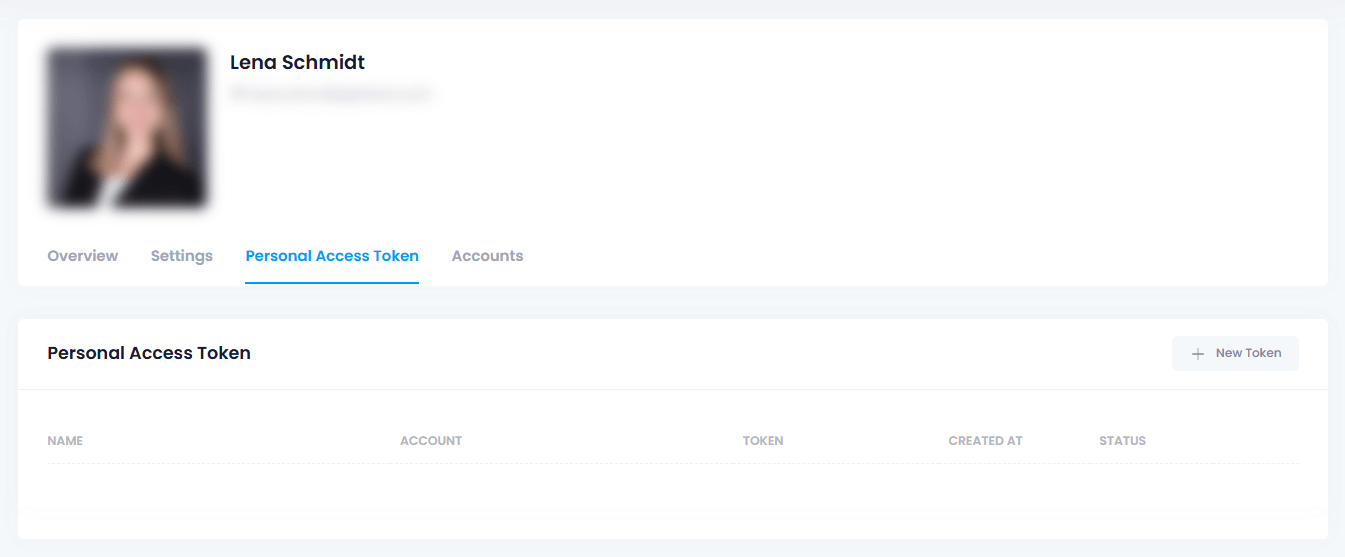
You need the permission Allow authentication via personal access token, which must be granted by your InLoox admin. After activating this permission, it may take up to 1 hour to take effect due to performance caching.
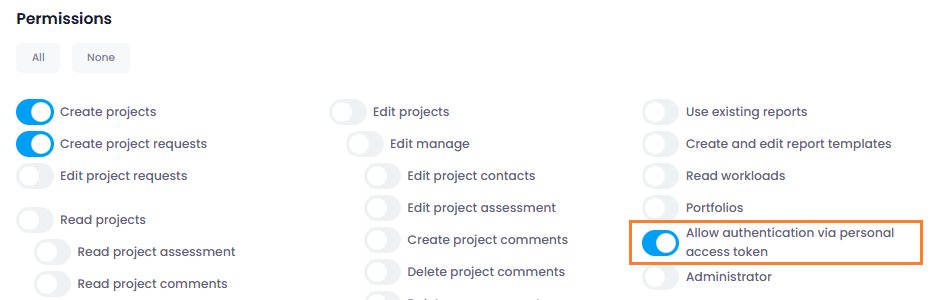
- Click New Token.
- Enter a meaningful name in the dialog.
- Select the account whose data you want to access.
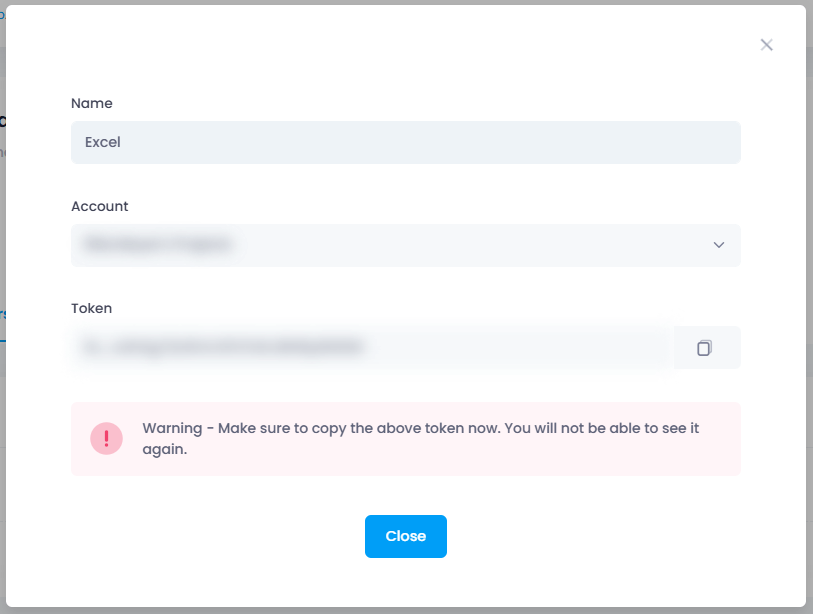
- Save the token in a secure location — you will need it later.
A Personal Access Token is equivalent to a login and password and should be protected accordingly. If shared, it can be used with the InLoox API to gain read and write access to data in InLoox.
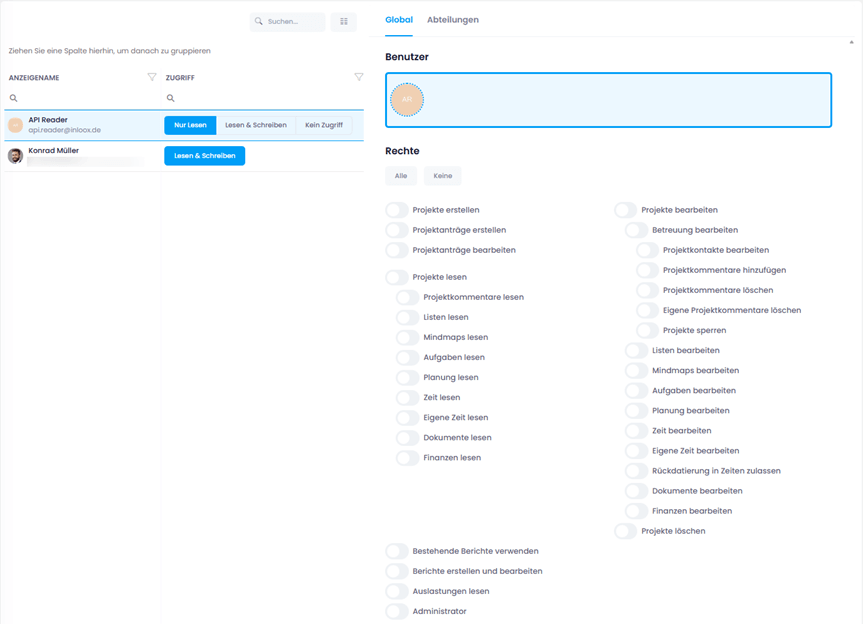
We strongly recommend creating a new user with the Read-Only access type specifically for retrieving data via PAT token. Configure permissions for this user to grant access only to necessary data.