Time Zone
Every InLoox user can change the time zone in their personal settings. This setting is used to calculate the date and time in reports, dashboards, and notifications. This is especially useful for users who work in a different country or time zone.
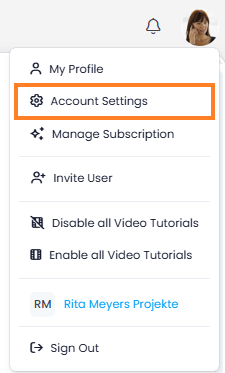
- In InLoox, click on your profile picture in the upper-right corner.
- Click on Account Settings.
- Click on Personal.
- Under Time zone, select your local time zone from the drop-down menu.
tip
The default time zone for your account is set by an administrator. If you have not selected a personal time zone, the account default applies. See Default Time Zone for details.