Rename Account
When you create an InLoox account, the domain name of your email address is used as the default account name — without the top-level domain (e.g., if your email is jane@acme-corp.com, the account name is acme-corp). To change this, follow these steps:
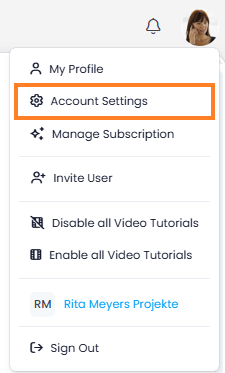
- In InLoox, click on your profile picture in the upper-right corner.
- Click on Account Settings.
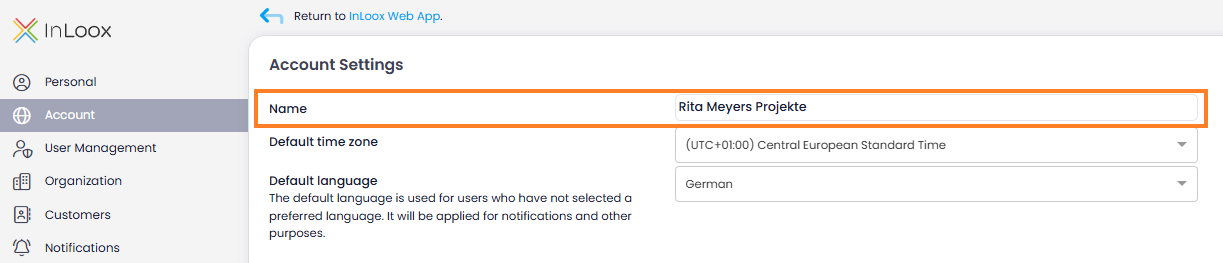
- Click Account in the left menu.
- In the Name field, enter the new name.
tip
InLoox saves the change automatically — no need to click a save button.