Language
Every InLoox user can adjust the language personally. The language controls the interface texts, localized labels, and month/day names in InLoox. There are two ways to change your language setting. The following languages are available:
- English
- German
- French
- Spanish
- Italian
- Polish
Change language via Account Settings
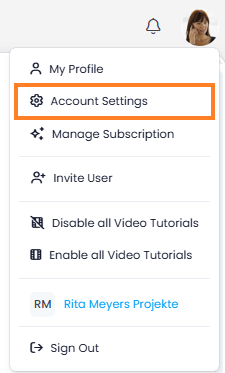
- Click on your profile picture in the upper-right corner and select Account Settings.
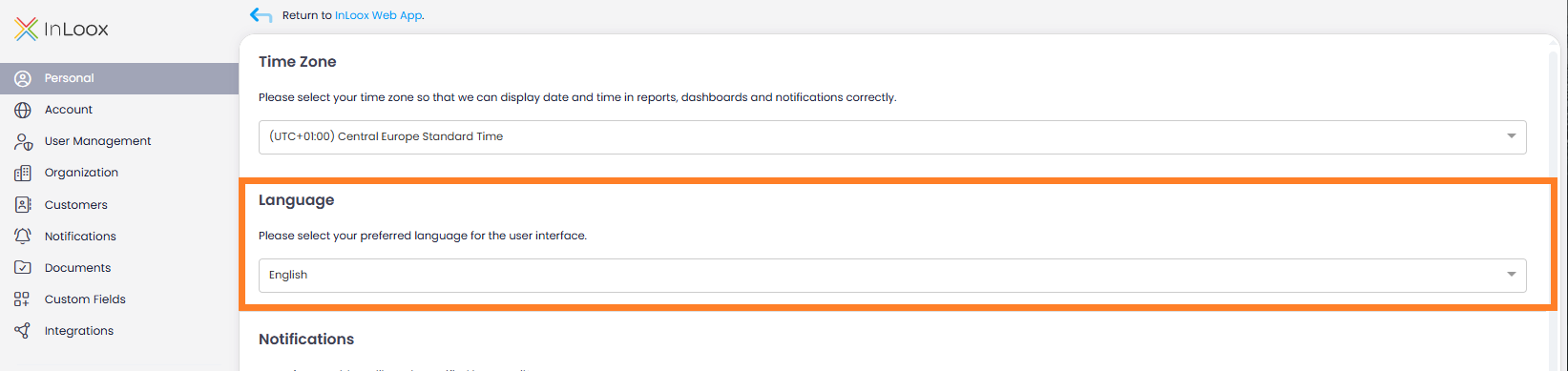
- In the left menu, click Personal (the first menu item).
- In the Language section, select the desired language from the dropdown.
- The page reloads automatically in the selected language.
Change language via My Profile
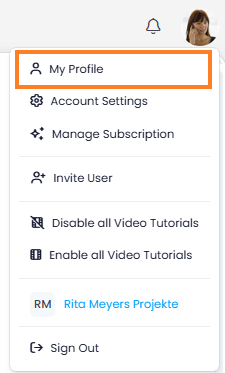
- In InLoox, click on your profile picture in the upper-right corner.
- Click on My Profile.
- Click on the Settings tab.
- Under Language, select the desired language from the drop-down menu.

tip
The default language for your account is set by an administrator. If you have not selected a personal language, the account default applies. See Default Language for details.
note
Regional formatting for date, time, numbers, and currency is configured separately. See Regional Format.