Enable Backdating of Time Tracking Entries
By default, InLoox allows users to create and copy time tracking entries up to 30 days in the past. You can adjust this setting to allow more or fewer days.
- In InLoox, click on your profile picture in the upper-right corner.
- Click on Account Settings.
- Click on Organization.
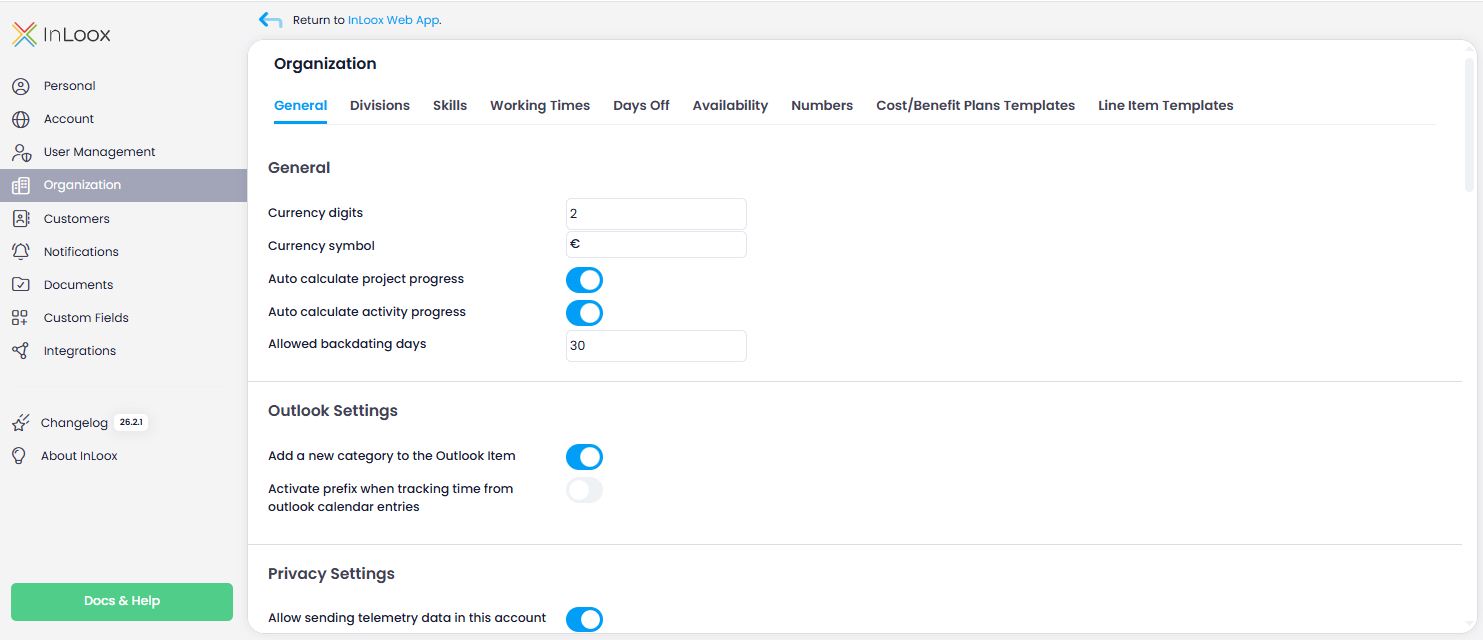
- Under the General tab, enter the number of days in the Allowed backdating days field.
warning
To allow individual users to backdate or copy older time entries, you must also enable the Allow backdating time entries permission for those users. For details, see Permissions.